

THE SHORT ANSWER
Here’s where to start.
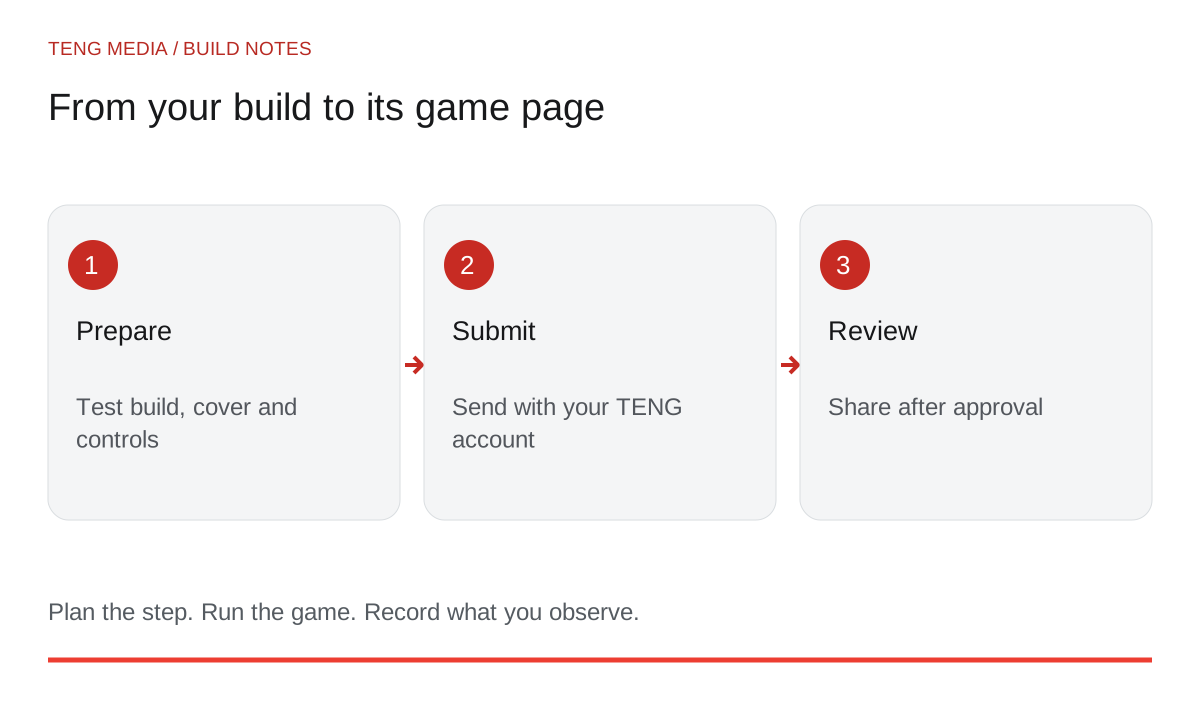
To publish a browser game in the Arcade, prepare a playable build and its description, sign in with your account and submit it for review. Game-publishing access is included with monthly and yearly membership. Every game and update is reviewed before it goes live.
Before you start
Publishing begins before the upload. You want the reviewer and eventual player to load the right build, understand the controls and complete a round without needing help from you.
Prepare the game a player will receive
Save a named release candidate and keep the project files that produced it. Test the exported or hosted version, not only the version inside your editor.
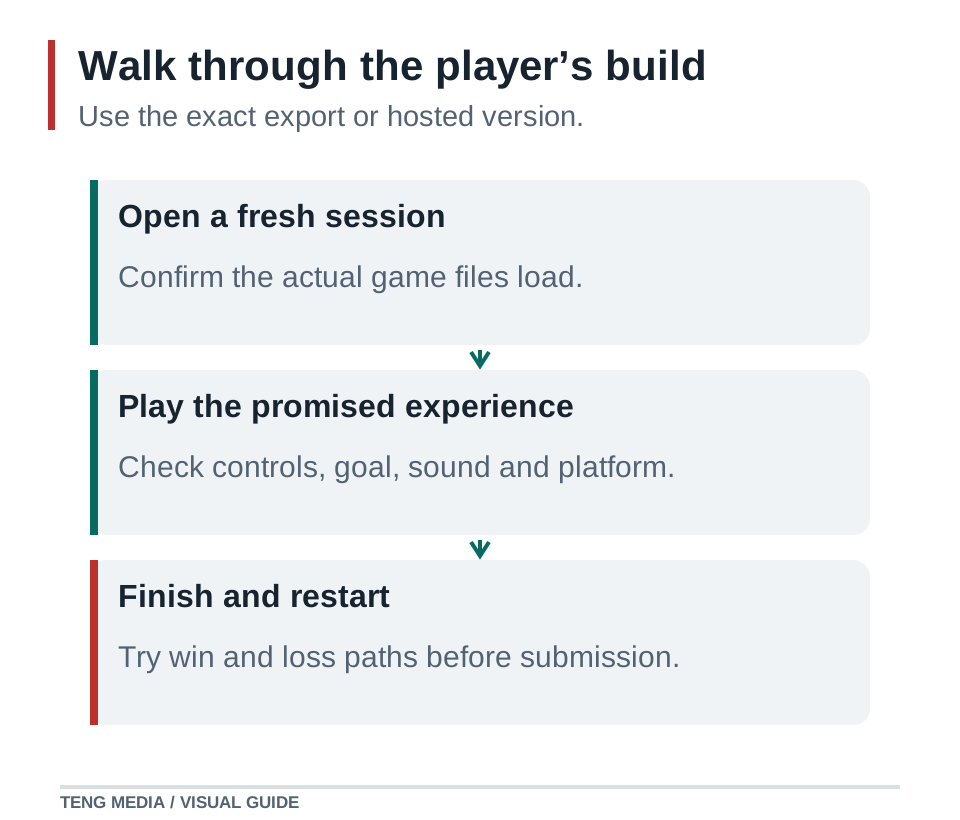
Open the game from a fresh session. Check that its files load, its controls work, the goal is visible and both endings behave as intended. Restart several times. If you promise phone support, test it on the relevant phones and browsers.
For a web export, use the documentation that matches your engine and version. Hosting requirements can differ between projects, so test compatibility before choosing your final package. Godot's web-export guide, for example, describes browser and server requirements that depend on the export configuration. Godot web export documentation.
Write a useful game description
Give players the information they need to choose and begin:
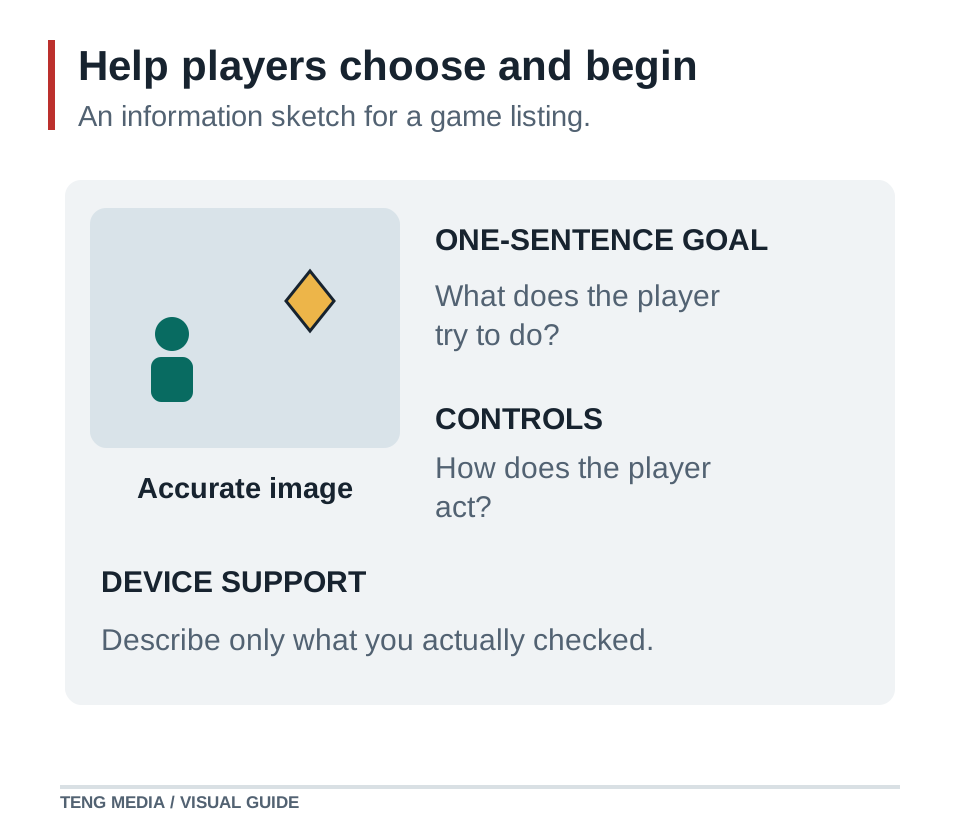
- Goal: What are they trying to achieve?
- Controls: Which keys, pointer actions or touch controls do they use?
- Challenge: What makes the round interesting?
- Supported devices: What have you checked?
- Known limitations: What should they know before playing?
Here is an example for a small collection game:
Add device-support information based on your actual checks. Do not label a keyboard-only game mobile-ready because its page fits a phone screen.
Use a clear cover image. A real gameplay screenshot helps players understand the experience. If you use concept artwork, make sure the surrounding description accurately represents the playable build.
Check your materials before submitting
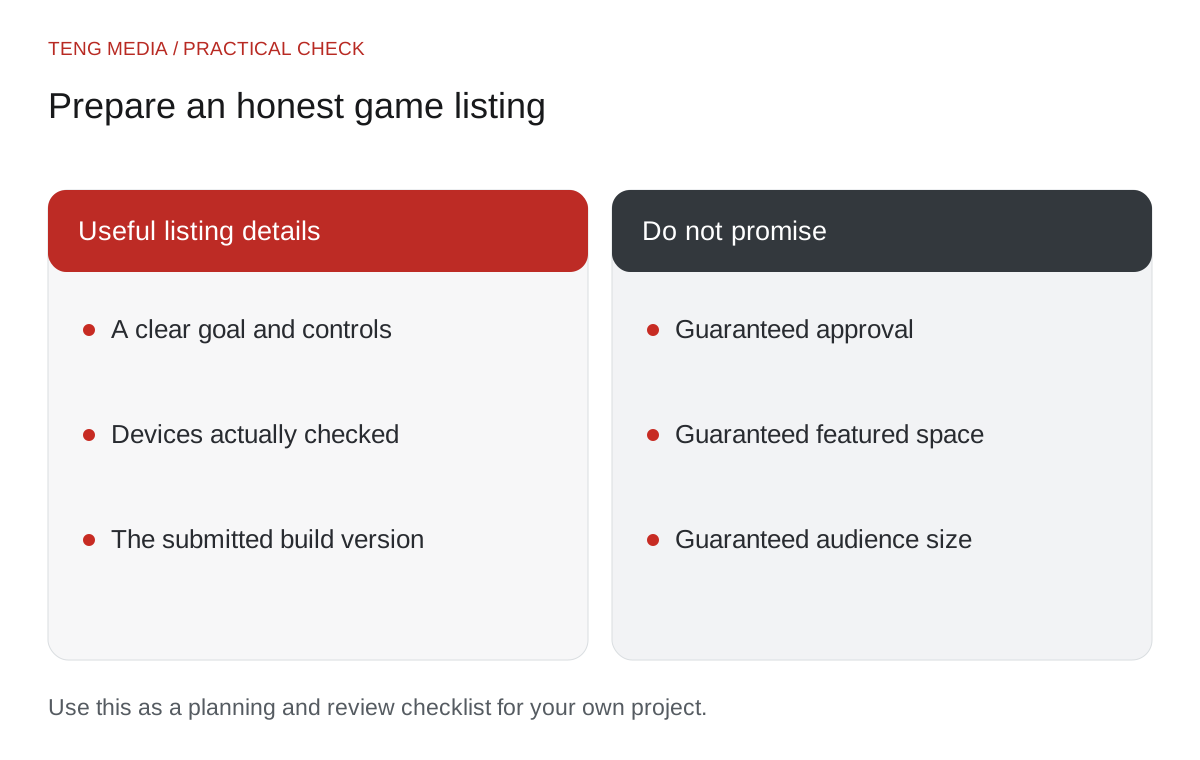
Keep a short asset record showing where your images, audio and other resources came from and any terms relevant to your use. Remove private test files and credentials from the package. Credit resources where their terms require it.
Check that the game does not depend on a file from your own computer. Paths that work locally may fail after upload. If the game uses external services, test what happens when those services are unavailable and explain any requirements accurately.
Use the AI game code debugging guide for any reproducible loading or gameplay problems before creating another release candidate.
Submit through your account
Open Submit your game. Sign in with your account and follow the current form's file, image and content requirements. Use your monthly or yearly membership for submission.
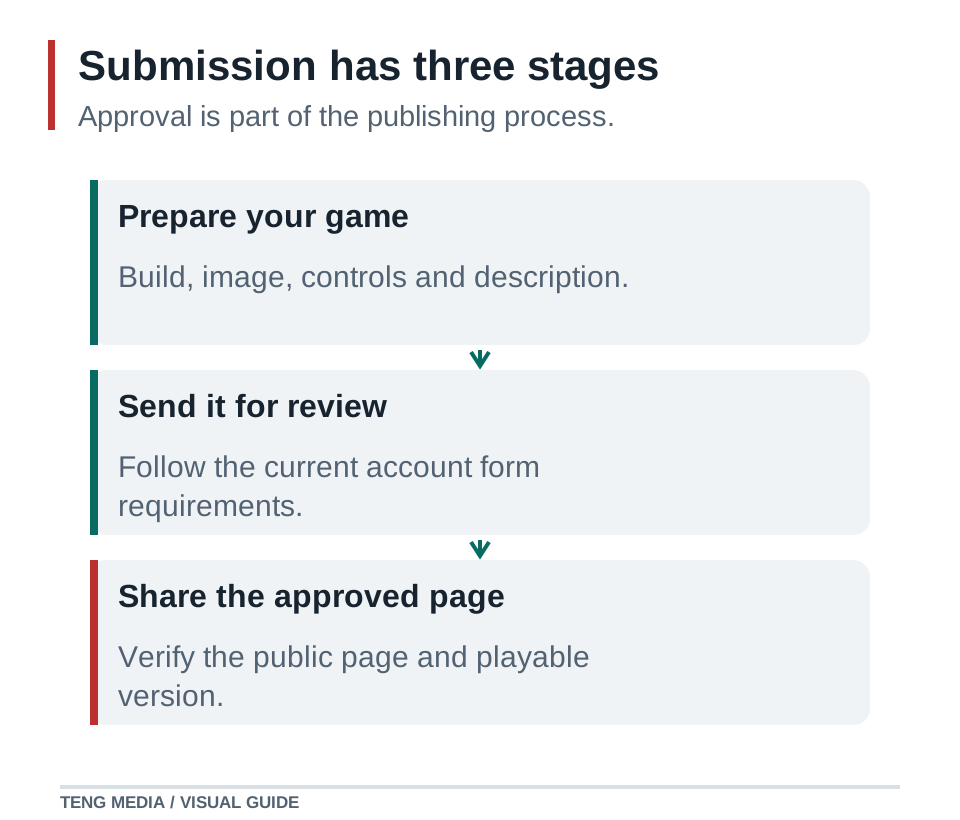
The public submission page describes three stages: prepare your game, send it for review and share its approved game page. Approved games can appear in the arcade and School Library catalog. Submission does not guarantee approval, featured placement, a particular audience size or earnings.
Follow the review status and any feedback through your account's submissions area. Keep the release candidate you submitted so you can identify exactly which version a comment refers to.
Treat an update as another release
When you make a change, write a short note explaining what is different. Retest the affected feature and a complete round. Preserve your prior working version until the replacement has been checked.
Updates also go through review. Avoid promising that a correction is live until you have verified the public game page and the version players receive.
Your first release can be small. A complete, clearly described game gives players something they can understand and gives you concrete feedback for the next version.
Ready to bring your project into the community? Both paid membership options include school materials, weekly group coaching calls and game-publishing access. Compare monthly and yearly access.
Common questions
Does membership guarantee that my submission is published?
Every game and update is reviewed. Membership includes submission access, but approval, featured placement and audience size are not guaranteed.
What should I prepare before submitting a browser game?
Prepare a playable browser build, a clear title, a short description, controls and a representative cover. Test the shared build in a fresh session and follow the current submission form for accepted files and limits. Keep the exact version you submit.
Can I update my game after it is published?
Updates also go through review. Keep a working copy of the previous release, explain the change and retest the affected feature plus a complete round. Check the public game page before describing an update as live.
Sources & further reading
References checked on October 3, 2026. Use documentation that matches your installed engine version.
- Godot web export documentation ↗Technical reference for the workflow described in this guide.


