

THE SHORT ANSWER
Here’s where to start.
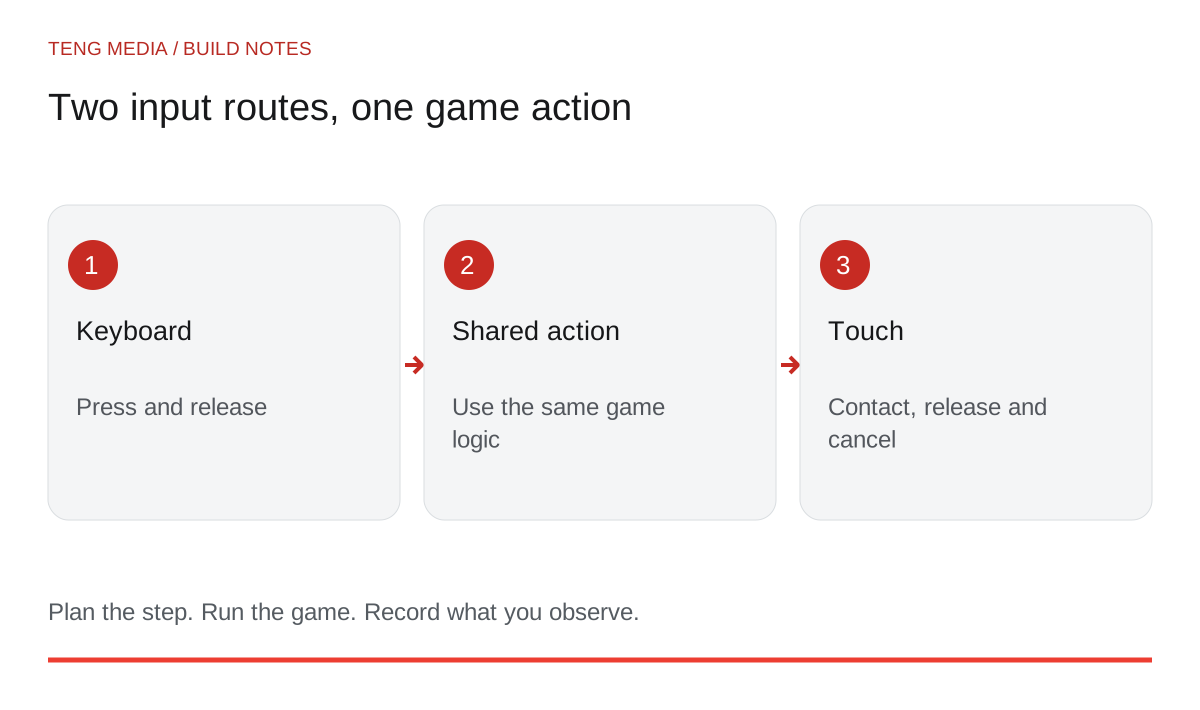
To add touch controls, map each game action to a touch input, connect it to the same gameplay logic as the keyboard and test the result on actual phones. Resizing the canvas is only part of the work. Fingers can cover the scene, gestures can scroll the page, and interrupted touches can leave movement stuck.
Before you start
Start with a game whose keyboard controls already work. Save that version so you can compare behavior after the change.
Decide which actions a phone player needs
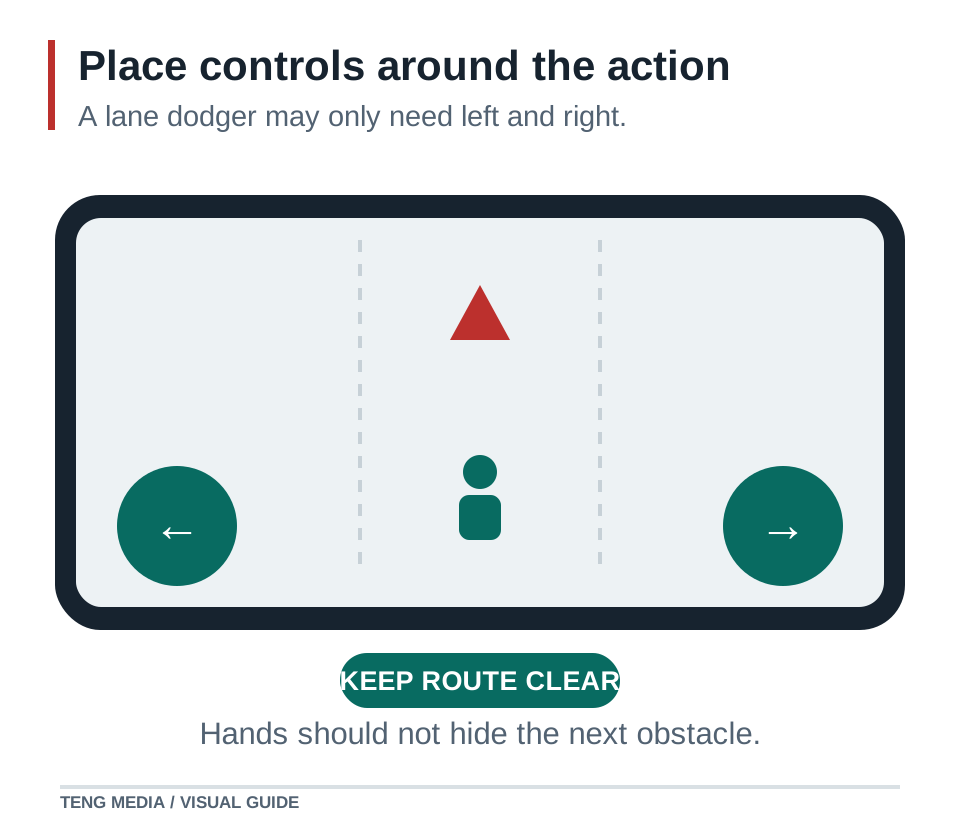
Write the actions before drawing the buttons. A simple lane dodger may need only left, right and restart. A top-down game may need movement in two directions at once. Those are different input problems.
| Action | Keyboard version | Possible touch version | Behavior to specify |
|---|---|---|---|
| Move left/right | Hold arrow key | Hold a directional button | Stop when contact ends |
| Choose a lane | Tap a key | Tap the desired lane | One change per deliberate action |
| Jump | Press a key | Tap a jump button | Define whether holding repeats |
| Restart | Select a button | Tap the same visible button | Begin only one new round |
Choose the simplest mapping that fits the game. A virtual joystick is not automatically better than two large buttons. Try the controls where the player can reach them without hiding the next obstacle.
Keep input and gameplay separate
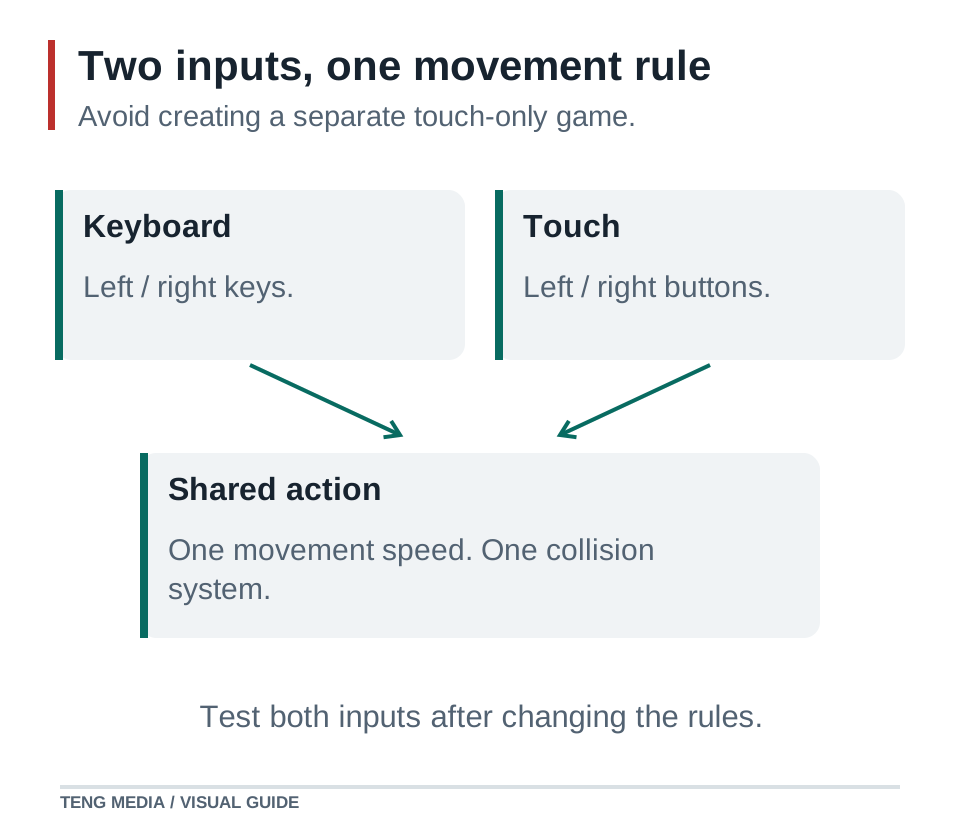
Keyboard and touch should ask for the same action. Avoid creating a second movement system with different speed or collision rules. If your engine already has an input abstraction, use it.
For a custom web input layer, Pointer Events can describe mouse, pen and touch input through a common model. Cancellation, capture and browser touch behavior still need attention. Use the engine's documented input system where it already handles those concerns. MDN Pointer Events.
Give your assistant a constrained task:
Inspect input handling in [engine and exact version].
Add touch controls for [listed actions] using the existing gameplay logic.
Preserve keyboard controls and movement speed.
Handle release, cancelled contact, leaving a button and loss of focus.
Support [the simultaneous actions this game requires].
Limit any scrolling restriction to the game interaction area.
Explain what changed and which device checks remain for me to perform.
Do not remove normal page scrolling everywhere to fix one game-control problem. Think about how a visitor enters the game, reads surrounding instructions and returns to the page.
Test interruptions, not just successful taps
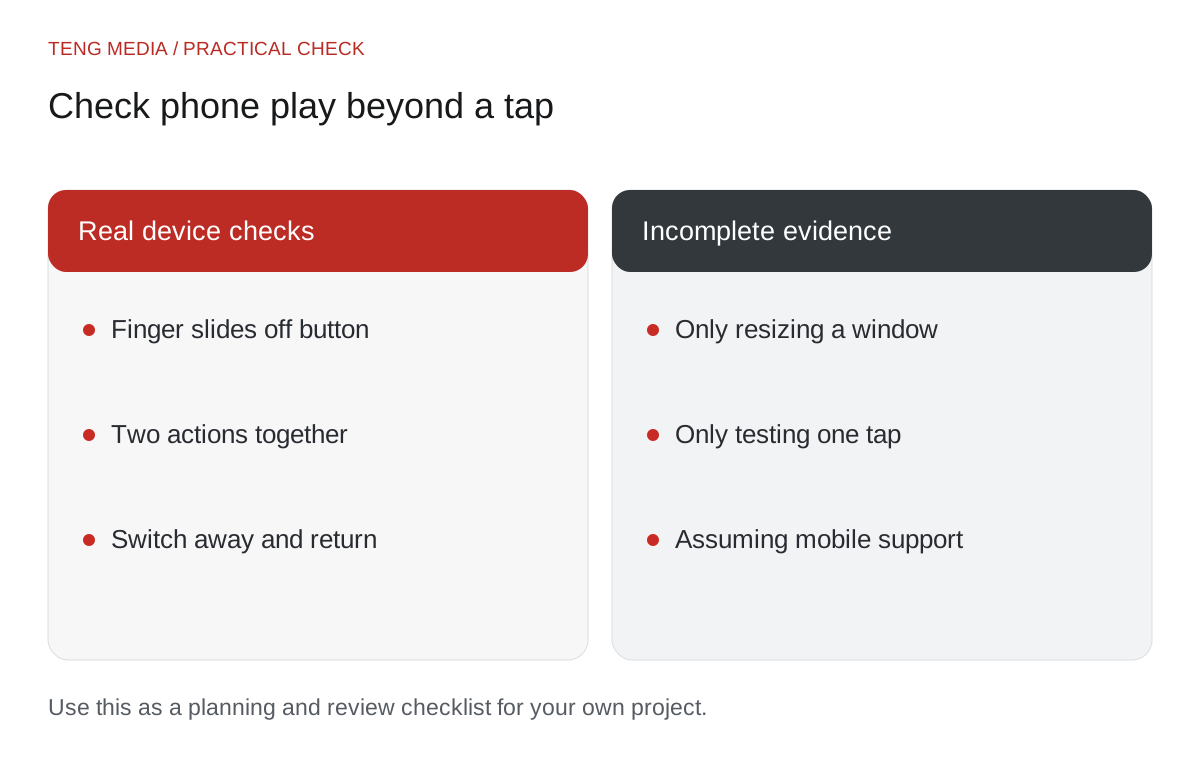
Hold a movement control, slide your finger away, then release. Does movement stop? Use two fingers if the game requires movement and another action together. Rotate the device and check the new layout. Switch away from the browser and return.
These checks matter because a control can behave correctly on a clean tap but fail when the browser interrupts a gesture. Record the exact action and visible result instead of describing the control as “glitchy.”
Use the AI game code debugging workflow to isolate a reproducible failure.
Inspect the whole screen
Look for controls beneath browser chrome, labels that become unreadable and buttons overlapping the score. Keep important information away from the areas occupied by the player's hands.
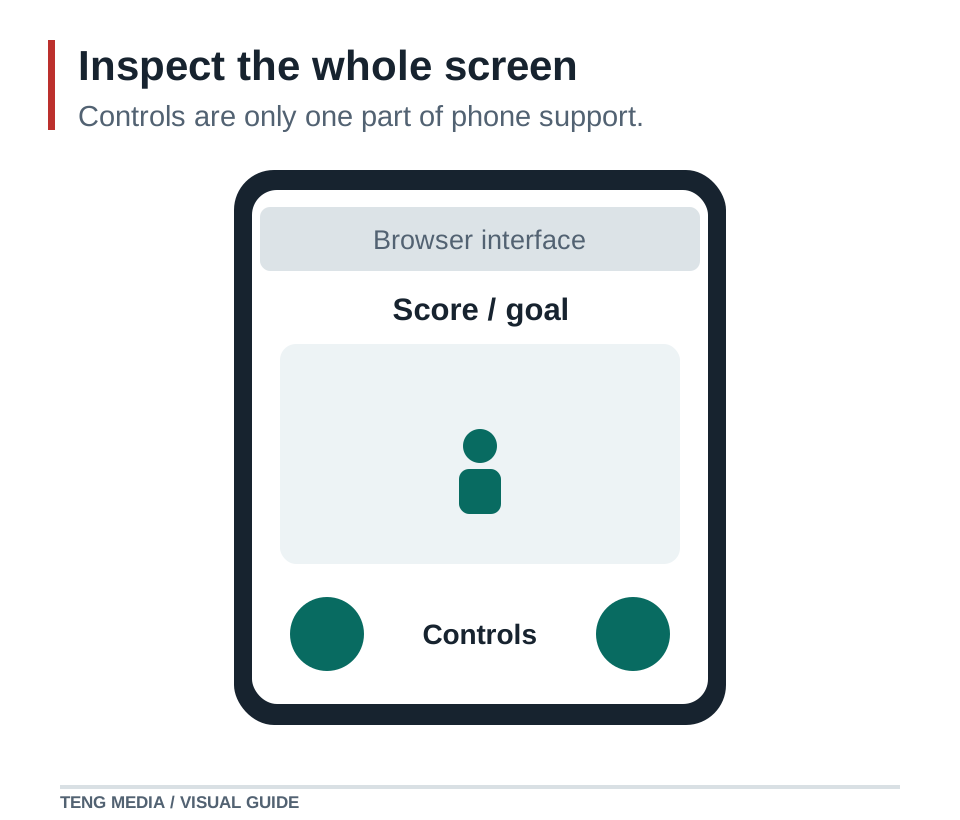
A desktop device preview helps find layout problems, but it does not replace using a phone. Test the hosted build on the devices and browsers you intend to support. Sound activation, focus, viewport changes and input feel need real interaction.
Keep a record with device, browser, orientation, movement, simultaneous input, restart and known limitations. Only advertise support you have actually checked. If a version remains keyboard-only, state that clearly on its game page.
Finish with one complete round
After individual control tests, play the entire game on the phone. Win, lose and restart. Make sure the touch interface remains useful through every state, including result screens and menus.
The goal is a playable experience that fits the device. It may need fewer controls, a clearer camera or a simpler action, not merely smaller versions of desktop buttons.
TENG AI SCHOOL membership includes school materials, weekly group coaching calls and access to submit games for review. Compare monthly and yearly access as you prepare your project for other players.
Common questions
Is a responsive canvas enough for mobile support?
No. Check reach, readability, interrupted gestures, simultaneous input and a complete round on actual devices and browsers you intend to support.
Why does my character keep moving after I lift my finger?
A release or cancellation path may not clear the input state. Check pointer-up and pointer-cancel handling and what happens when the page loses focus. Reproduce the interruption before changing code, then verify that the action returns to its neutral state.
Can touch controls reuse the keyboard movement code?
Yes. Have both input methods update the same actions, such as move-left or jump, while gameplay reads those actions in one place. Keep separate bookkeeping for active inputs so releasing one input does not incorrectly cancel another that is still held.
Sources & further reading
References checked on October 3, 2026. Use documentation that matches your installed engine version.
- MDN Pointer Events ↗Technical reference for the workflow described in this guide.


