


THE SHORT ANSWER
Here’s where to start.
To finish an AI game prototype, freeze the feature list, complete its start-to-finish loop and test the version you will actually share. A game needs clear controls, an understandable goal, reliable win and loss states, and a way to play again. More content will not compensate for a broken round.
Before you start
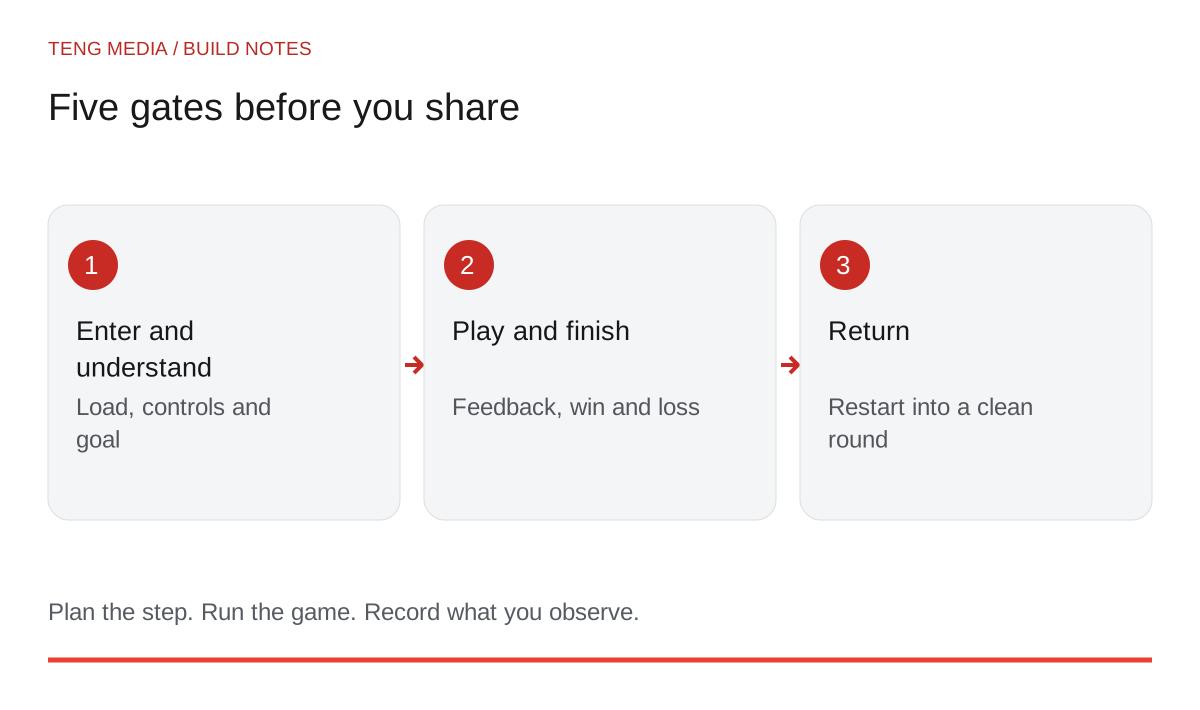
If your prototype already runs, you have something useful to evaluate. The next job is deciding what must be true before you call this version finished.
Write a release promise
Describe the experience a player should expect:
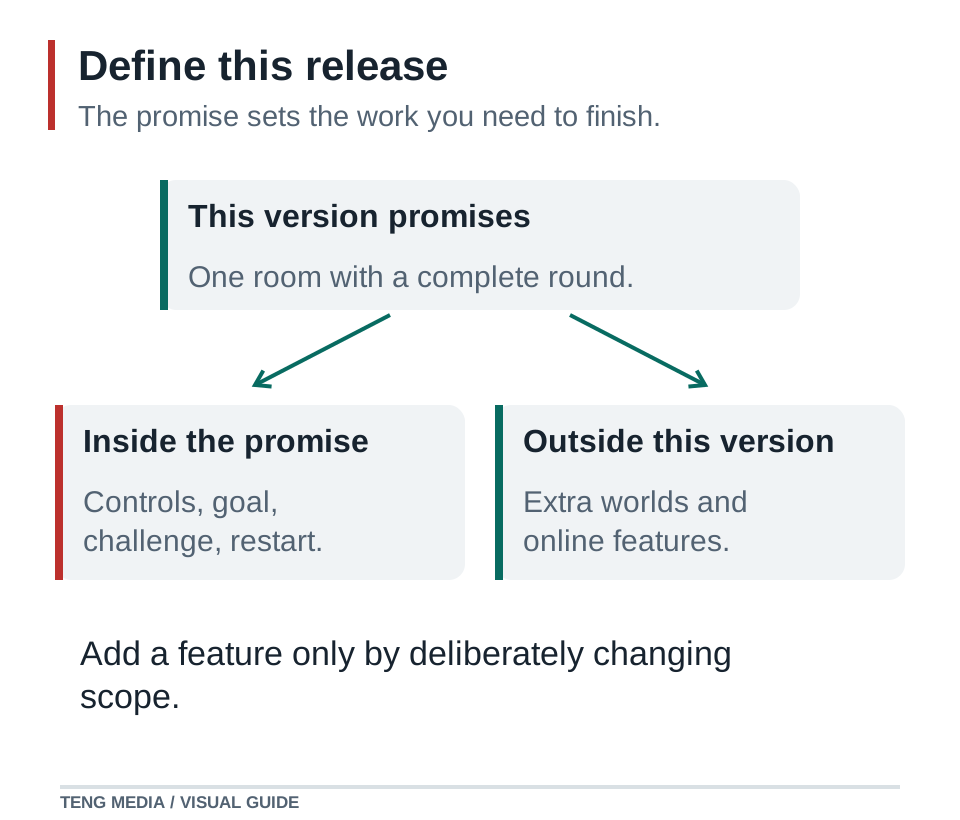
That promise gives you a boundary. It does not require touch controls, ten levels or cloud saves. If you advertise those features, however, they become part of what you must deliver and check.
Put unneeded ideas in a later list. Keep only changes that fulfill the current promise or fix something preventing the player from enjoying it.
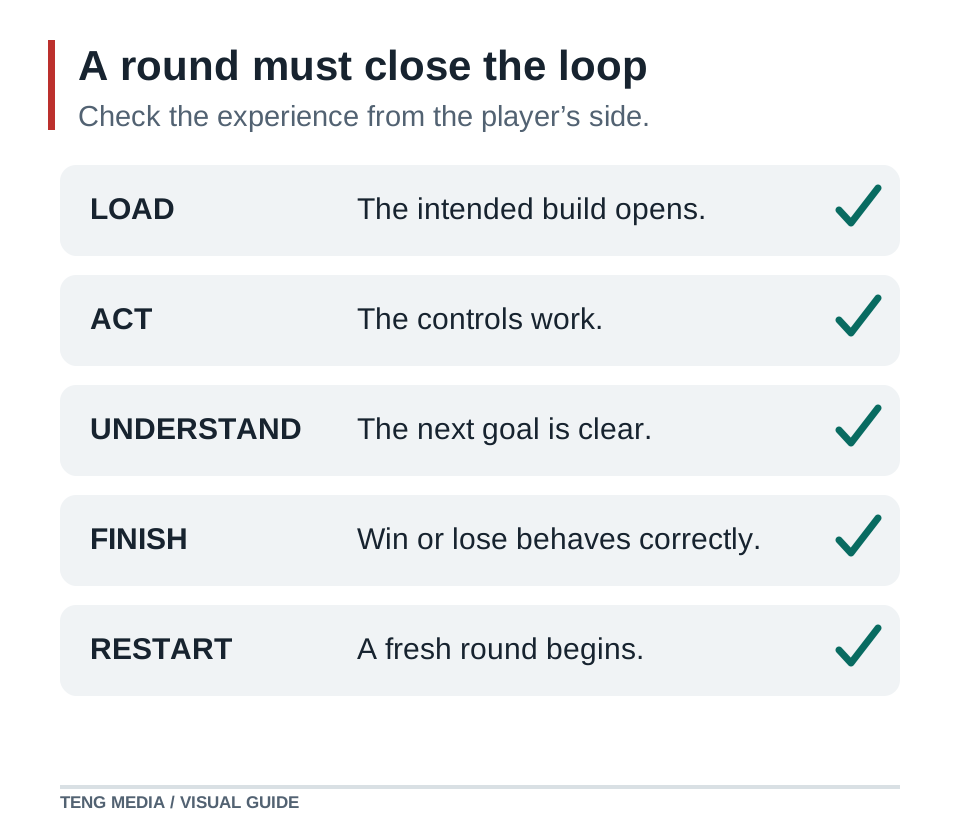
Pass five completion checks
| Check | What a player should be able to do | A useful test |
|---|---|---|
| Enter | Load the game and understand how to begin | Open the shared build from a fresh browser session |
| Understand | Identify the controls and goal | Watch a new player without coaching |
| Play | Use the core action and get clear feedback | Complete the main interactions deliberately |
| Finish | Recognize a win or loss | Trigger each ending separately |
| Return | Restart into a clean round | Restart several times and compare the starting state |
Write observations beside the checks. “The exit stayed locked after the fifth pickup” is useful. “Needs polish” gives the next change no direction.
Sort problems by their effect
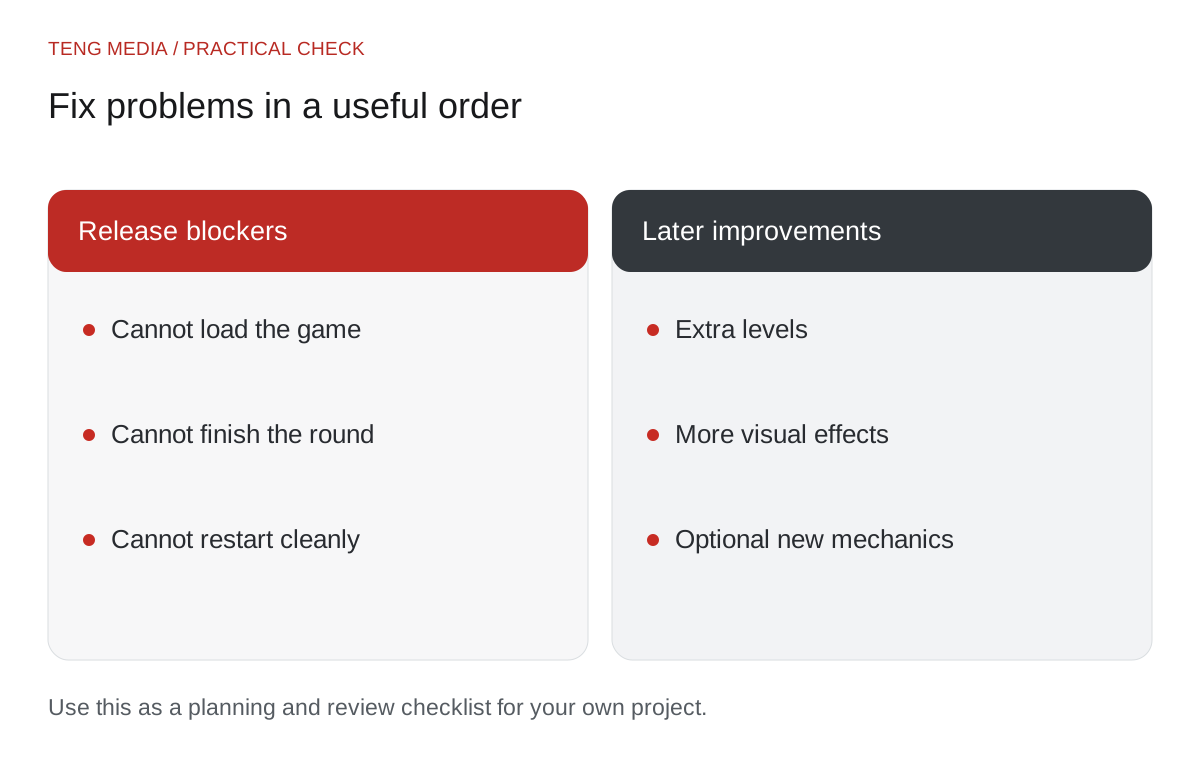
Fix blockers first: the game will not load, the player gets stuck, the goal cannot be completed, or Restart breaks the next round. Then address confusion that prevents someone understanding the game. Cosmetic improvements come after those problems.
One test session can produce conflicting suggestions. A player might ask for multiplayer because it sounds fun while also missing the current goal. Clarifying that goal is directly connected to this release. Multiplayer belongs in the later list unless you intentionally change the project scope.
Use this request when AI proposes more than you need:
Our release promise is: [one sentence].
Known problems: [observed behavior and reproduction steps].
Sort them into blockers, player confusion and optional polish.
Explain the player impact of each proposed change.
Select the smallest first repair. Do not add new game systems.
Preserve the current project and identify the checks to repeat.
For a reproducible failure, use the AI game code repair guide before stacking more patches.
Test the shared build
Playing inside the editor is one check. Your audience uses an exported or hosted version, which may expose missing files, incorrect paths or browser-specific behavior.
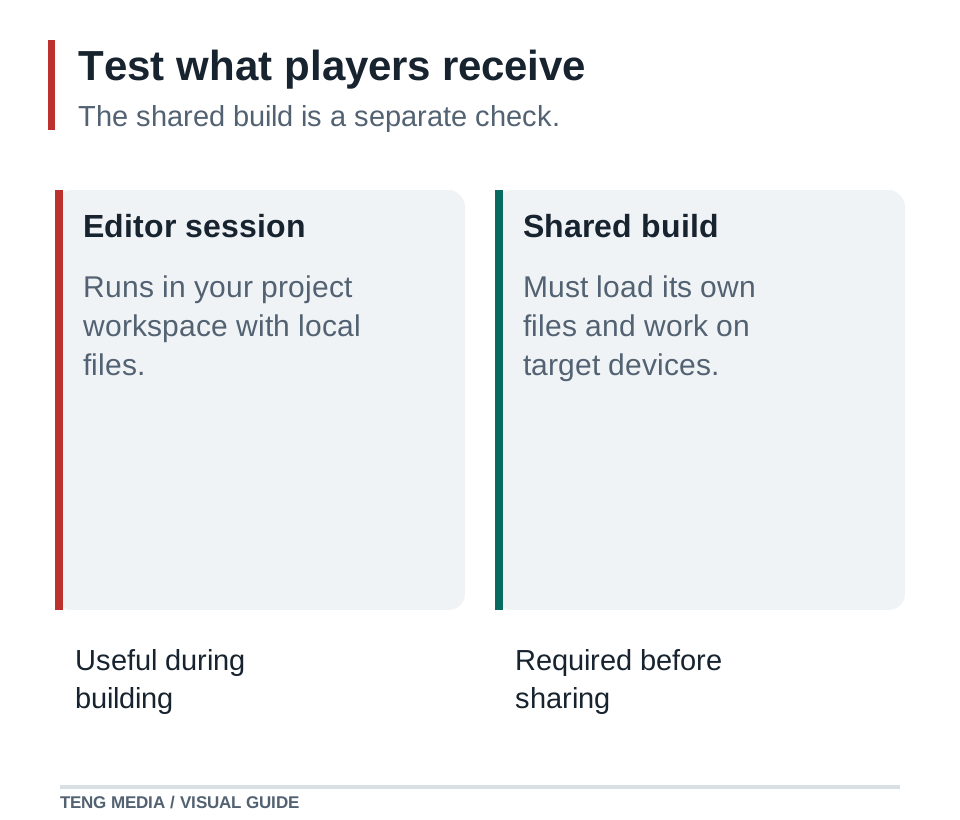
Open the exact build you intend to share. Check loading, controls, sound, the first round and a restart. If you promise phone support, use actual devices as well as a resized desktop window. Write down the browser and device you checked; “works everywhere” is a much broader claim.
Ask a tester three focused questions: What did you think the goal was? Where did you stop knowing what to do? What made you want another attempt? Observe their actions before explaining your design.
Decide what finished means today
A finished small version can still have ideas waiting. Choose a release candidate, record what it includes and save a recoverable copy. If you change it afterward, repeat the checks affected by that change.
Prepare a short description that states the controls, goal and supported platform. Show a real screenshot from the build when presenting gameplay. Keep concept artwork distinct from evidence of what a player will see.
Finishing gives you a stable version to learn from. Player feedback can then guide the next release instead of continually changing a prototype that no one else has played.
TENG AI SCHOOL membership includes school materials, weekly group coaching calls and game-publishing access. When your browser game is ready, members can submit it for review; publication is subject to approval. Explore the membership options.
Common questions
Can a small game count as finished?
Yes. Define the experience you promise, complete that experience and test the build players will receive. Future ideas can belong to a later release.
How do I stop adding features before release?
Write a short release promise describing the complete round you will share. Put new ideas on a later list unless they fix a failure of that promise. A missing restart blocks a repeatable round; another character skin usually does not.
What should I test after fixing a game bug?
Repeat the original reproduction, then play through the nearby states the fix could affect. A change to winning should also be checked against losing and restarting. Test the exported or hosted build that another person will receive.


