
THE SHORT ANSWER
Here’s where to start.
A useful AI game development prompt includes your engine and version, the current state of the project, one requested change, constraints and a test for success. Ask the assistant to inspect existing files before changing them and explain how to verify the result in the running game.
The five parts of a useful game-development prompt
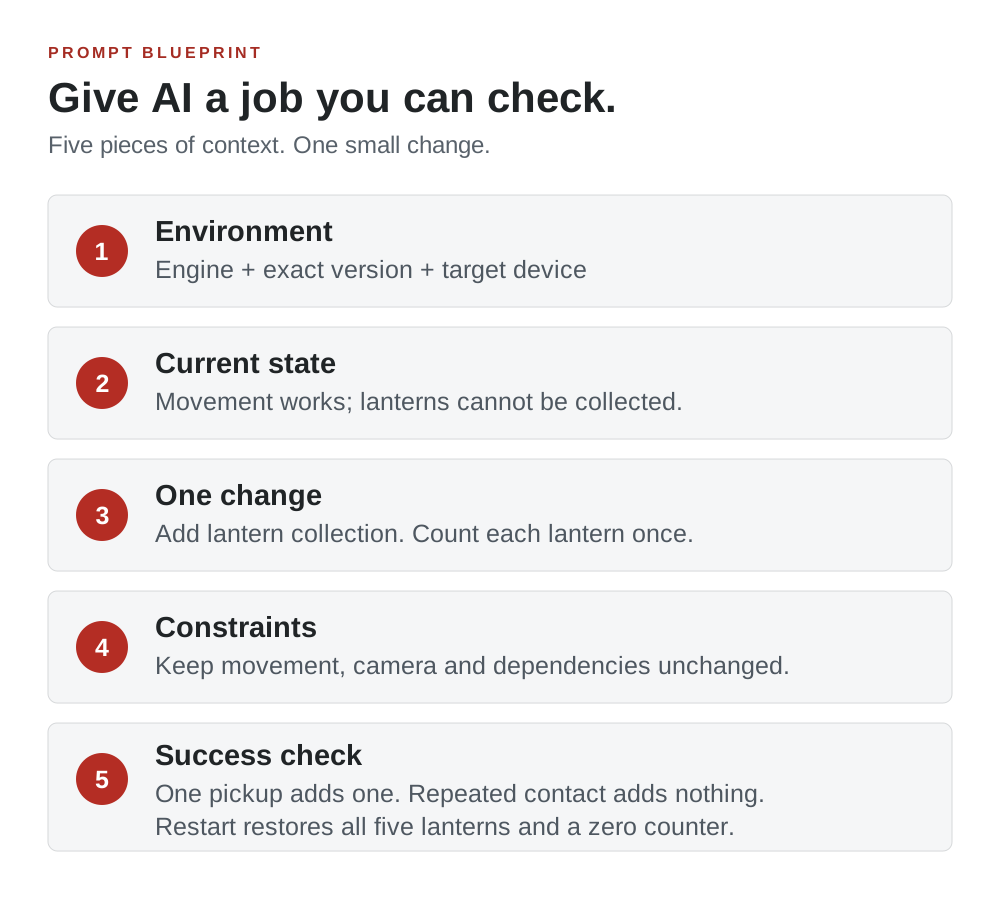
The more work you have already done, the more important context becomes. An assistant that does not know your input system or scene structure may replace something that already works. Begin with facts about the project, then describe the smallest useful change.
| Include | Example |
|---|---|
| Environment | Godot or Phaser, exact installed version, language, target device |
| Current state | Movement works; five lanterns are visible but cannot be collected |
| One change | Collect a lantern when the player touches it |
| Constraints | Keep movement unchanged; do not add packages or online services |
| Success check | Each lantern disappears once and adds exactly one to the counter |
The prompts below continue the Lantern Run example from our beginner guide. Replace every bracketed placeholder before using them. These are working templates, not guarantees that a particular model will return correct code.
Prompt 1: turn an idea into a buildable brief
Help me scope a first playable version of [game idea].
My experience: [what I know]. Engine/version: [exact version].
Target device: [device]. Available project time: [my time budget].

Define one player action, one goal, one obstacle, and a win/lose/restart loop. Suggest what to leave out of this first version. Give me a sequence of small checkpoints, each with a test I can perform. Flag any feature that needs a server, account system, paid service or specialist asset work. Do not write code yet.
Read the plan as the game’s director. Remove tasks that do not help the player reach the first goal. If the plan includes multiplayer, ask for a single-player substitute. If it starts with polished artwork, move that work after a functional prototype.
Prompt 2: implement one feature without rewriting the game
Inspect the current project and identify the files responsible for the player, collectibles and score. Engine/version: [version].

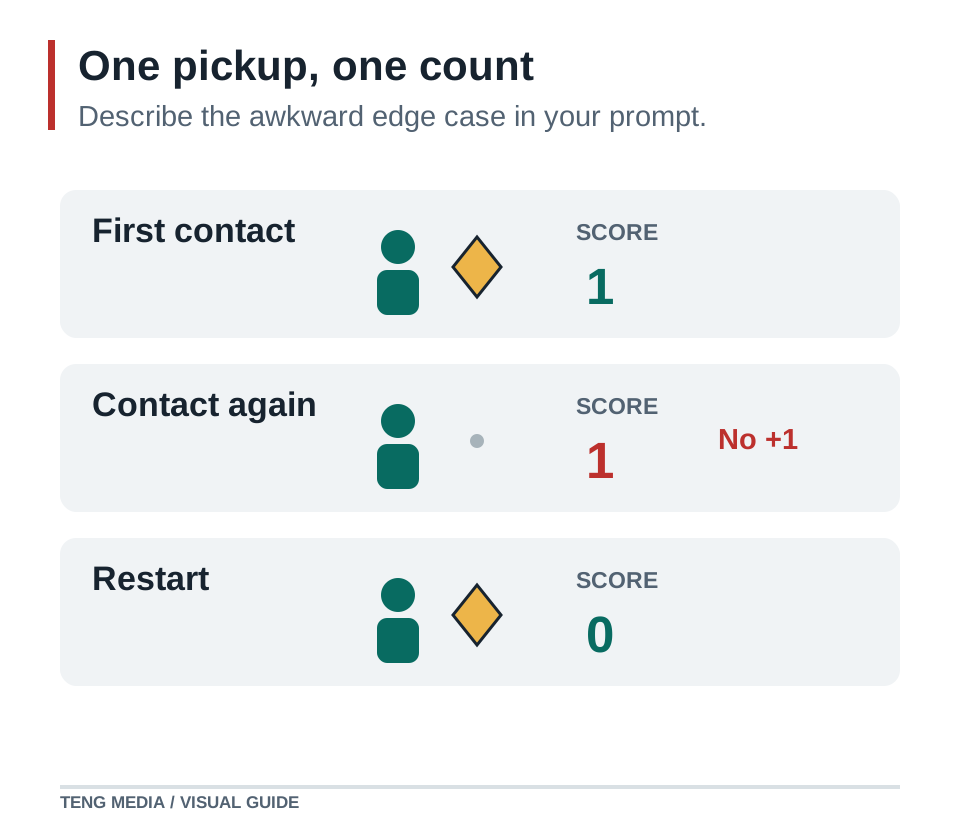
Add only lantern collection: touching one removes that lantern and increments the counter once. There are five lanterns. Keep movement, camera and level layout unchanged. Reuse existing systems and add no dependencies.

Before editing, explain the smallest change. After editing, list the files changed and how to run the game. Check that repeated contact cannot count the same lantern twice and that Restart restores all five lanterns and a zero counter. Tell me which checks you actually ran and which I still need to run.
A feature request should include its awkward edge case. Here, the important case is repeated contact. Without it, a collectible might add to the score on every frame. Asking for the restart check also makes the assistant consider the full round, rather than just the first pickup.
Prompt 3: keep generated game assets consistent
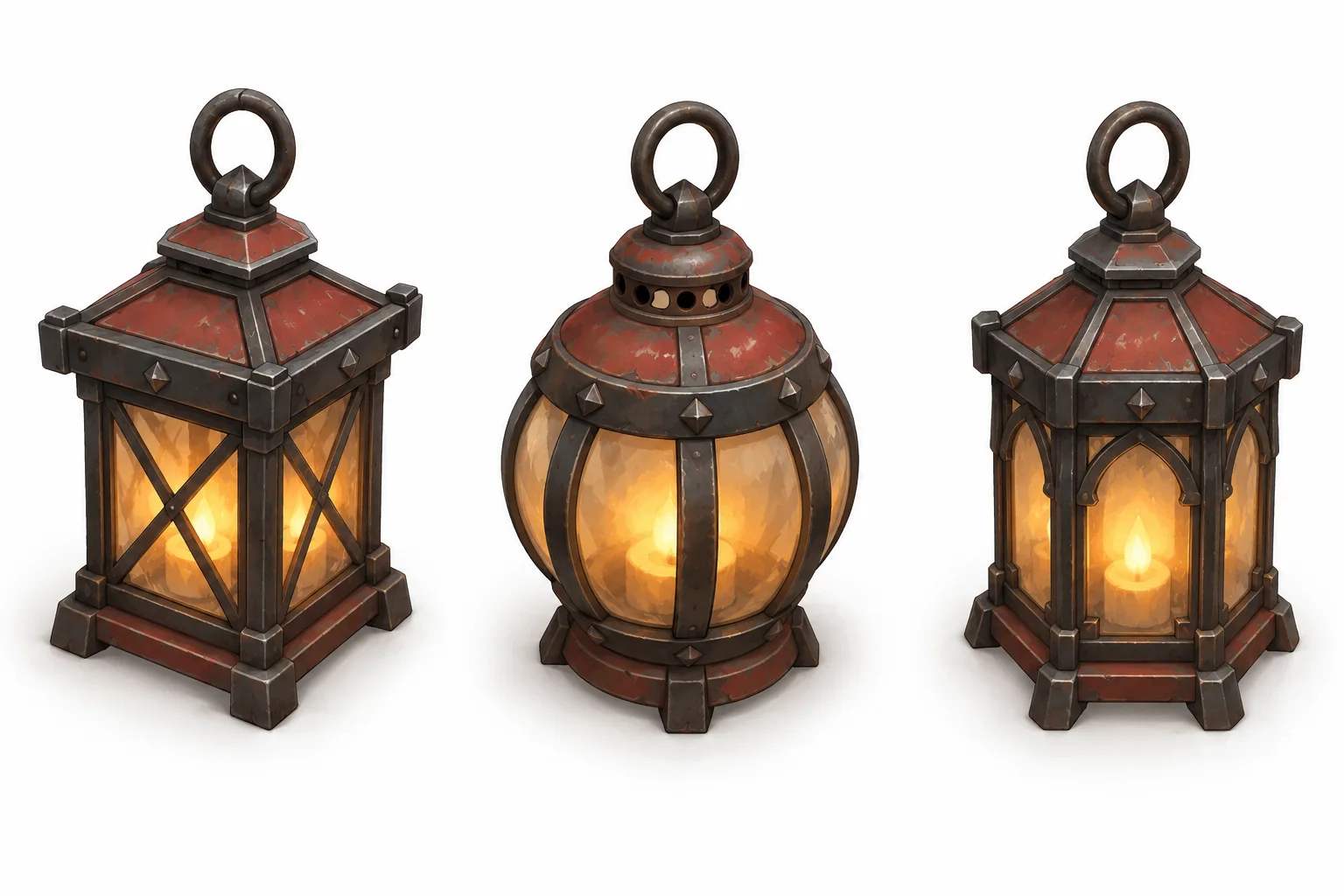
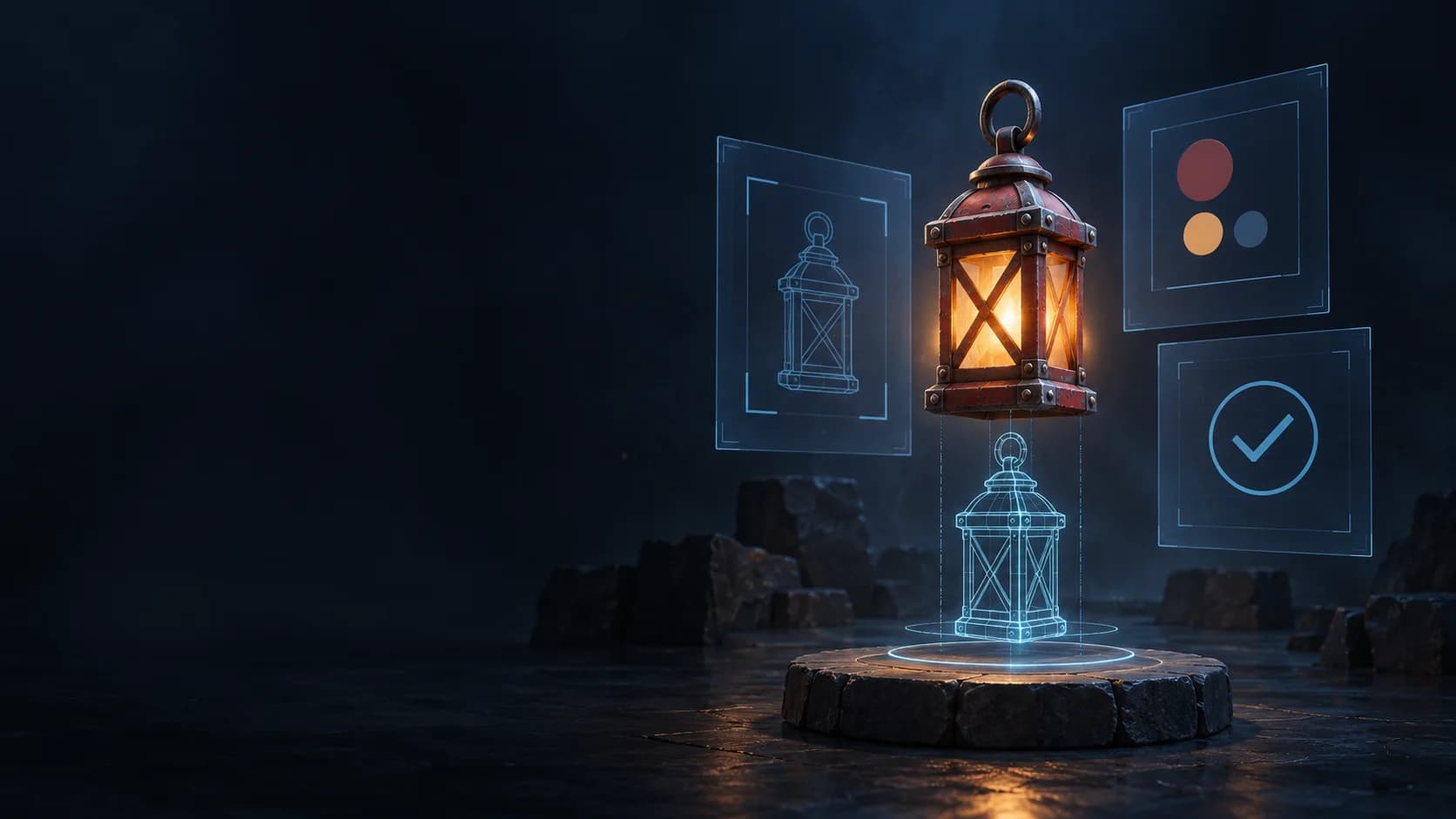
A style reference is more useful when you also specify technical requirements. Camera angle, canvas size and lighting affect whether assets can sit together in the game. Use a reference you have permission to use and repeat the same constraints for each asset.
Create one original lantern collectible for my game.
Use the attached image as the visual style reference.
Camera: [top-down / side view / isometric angle].
Canvas: [width × height]. Background: [transparent if supported].
Palette: [colours]. Lighting: [direction].
Style: [shape language, materials and detail level].

The lantern must be readable at [on-screen size], centred with clear space around its silhouette. Match the reference’s perspective and lighting. No text, border, ground shadow outside the object or extra objects. Generate a single asset, not a presentation sheet.
Inspect the actual file in the game at its intended size. Check transparency instead of assuming a checkerboard pattern means the background is transparent. Keep the previous asset until the replacement works. For animations, request a defined set of poses and consistent framing, then check the sequence for jumps.
Prompt 4: investigate a bug before applying a patch
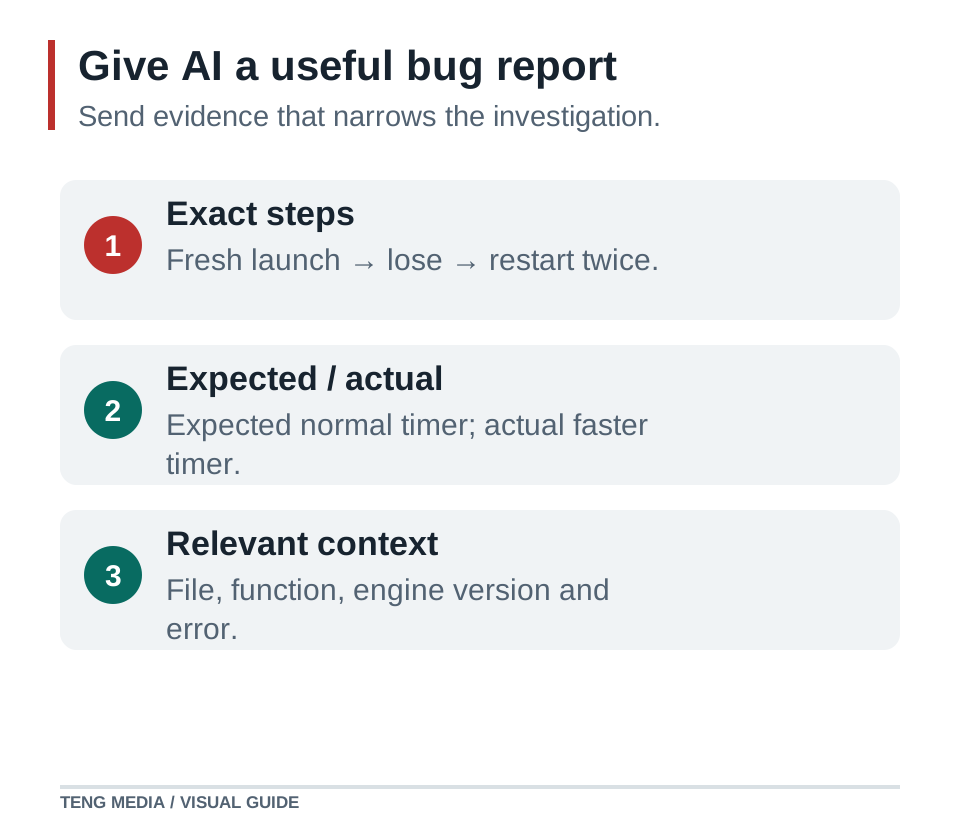
Investigate this reproducible bug in [engine/version].
Expected: [what should happen].
Actual: [what happens].
Steps: [numbered actions from a fresh launch].
Exact error, if any: [paste text].
Last working checkpoint: [commit or saved version].
Recent change: [what changed].

Inspect the relevant code and explain the likely cause using evidence. Do not rewrite unrelated systems or change dependencies. Propose the smallest fix, explain why it addresses the cause, then test the original reproduction and a nearby edge case. Distinguish executed tests from suggested checks.
If the assistant cannot see your project, provide the relevant code and file names. Do not paste passwords, API keys or private player records. A precise description of a state change is often more useful than a large unfiltered log.
Prompt 5: create a playtest that can find real problems
Create a manual playtest checklist for Lantern Run. The player collects five lanterns, avoids one enemy and reaches a gate within 60 seconds. The game has win, lose and restart states.

Cover a fresh launch, normal win, enemy loss, timer loss, early gate contact, repeated input, three restarts and [supported devices]. For each check, give exact actions and the expected visible result. Include a check that score and timer stop changing after the round ends. Do not claim any test has passed; this is a checklist for me to execute.
Record the result beside each check. A useful note looks like “After the second restart, the timer loses two seconds per second,” not “the game is broken.” That observation gives the next debugging request something specific to investigate.
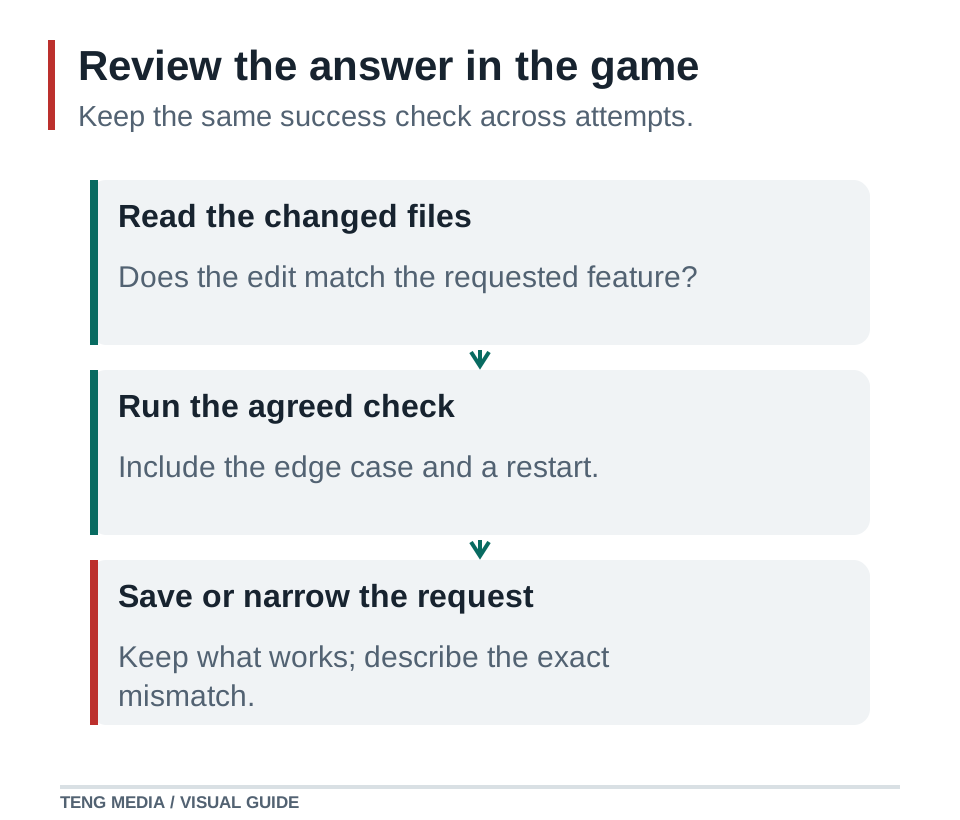
Read the answer before accepting the change
- Does the answer use your installed engine version and existing file structure?
- Did it introduce new packages, services or features you did not ask for?
- Does it tell you how to run the project and what you should see?
- Are claimed test results backed by an actual run, or are they only suggestions?
- Can you explain the change well enough to decide whether it belongs in your game?
When the result is wrong, narrow the next request. Quote the exact mismatch, show the relevant file or screenshot and keep the same acceptance check. Repeatedly asking to “make it better” gives the assistant more room to guess, while making your project harder to compare with its last working version.
Common questions
Should I write one long prompt for the whole game?
Use a short overall brief to establish the direction, then separate implementation into small requests. Keep a single source of truth for the game rules so later prompts do not quietly change the design.
Do these prompts work with every AI coding tool?
They describe a workflow you can adapt to different assistants. Tools differ in their access to files, ability to run the game and supported image inputs. State those limits and verify the actual output.
What should I include when asking AI to fix a game bug?
Include the engine version, expected and actual behaviour, reproduction steps, exact error text, relevant files and the most recent change. Ask for the smallest evidence-based fix and a test of the original problem.
Sources & further reading
References checked on October 3, 2026. Use documentation that matches your installed engine version.
- Godot: Step by step ↗Background on scenes, nodes and the project concepts to include in engine-specific prompts.
- Phaser’s first game tutorial ↗Background on scenes, input, collectibles and game-state changes. The prompt templates here are original TENG MEDIA examples.