

THE SHORT ANSWER
Here’s where to start.
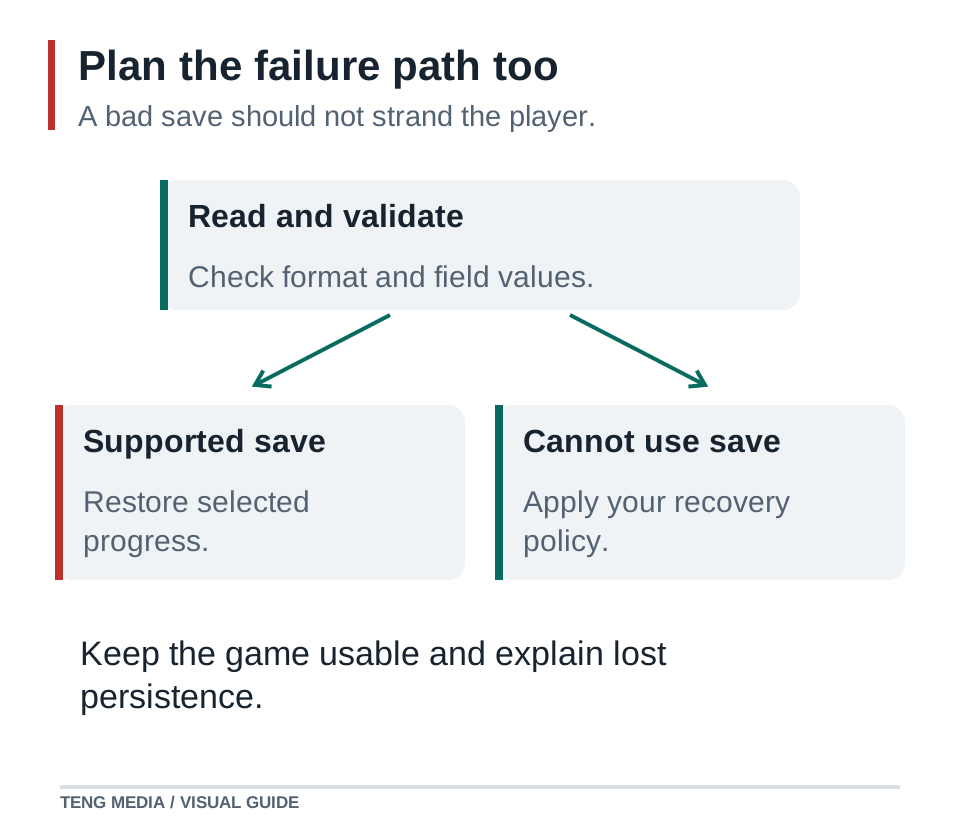
To add saving to an AI game, first define what should survive a new session. Store only the required progress, validate it when loading and keep a recovery path for missing or damaged data. A save button that works once is not enough evidence that players can rely on it.
Before you start
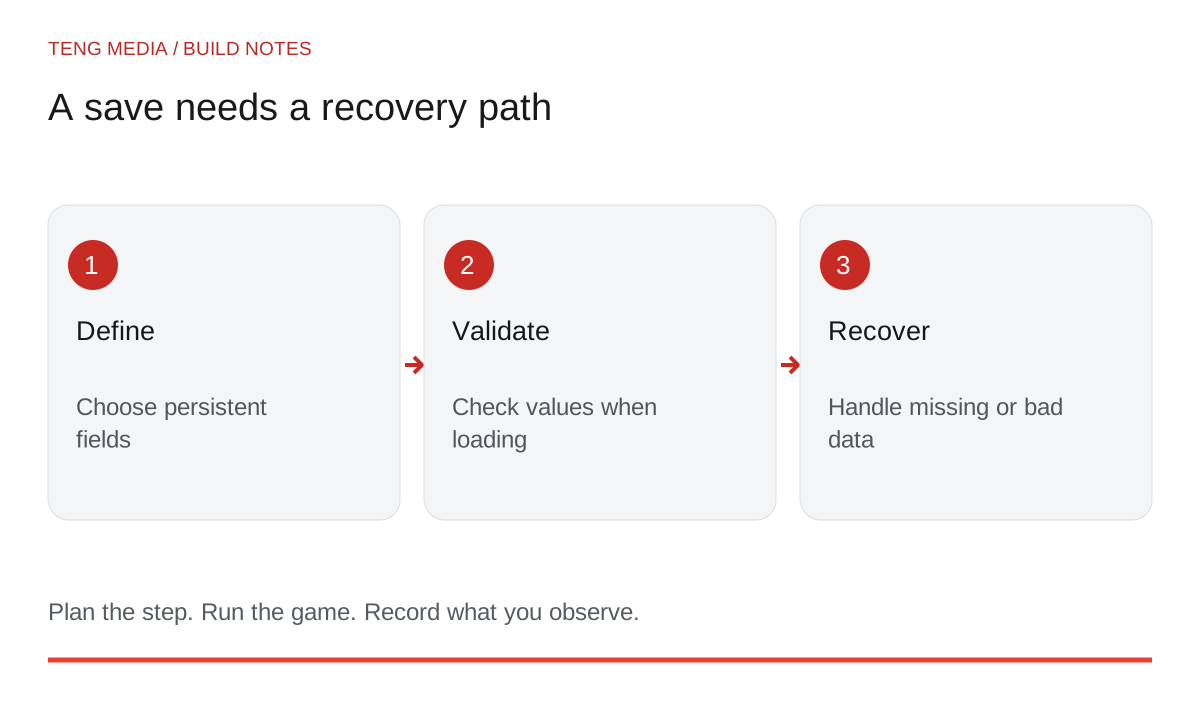
Start with a small feature such as remembering an unlocked level and sound preference. Restoring every object in a running world is a larger problem.
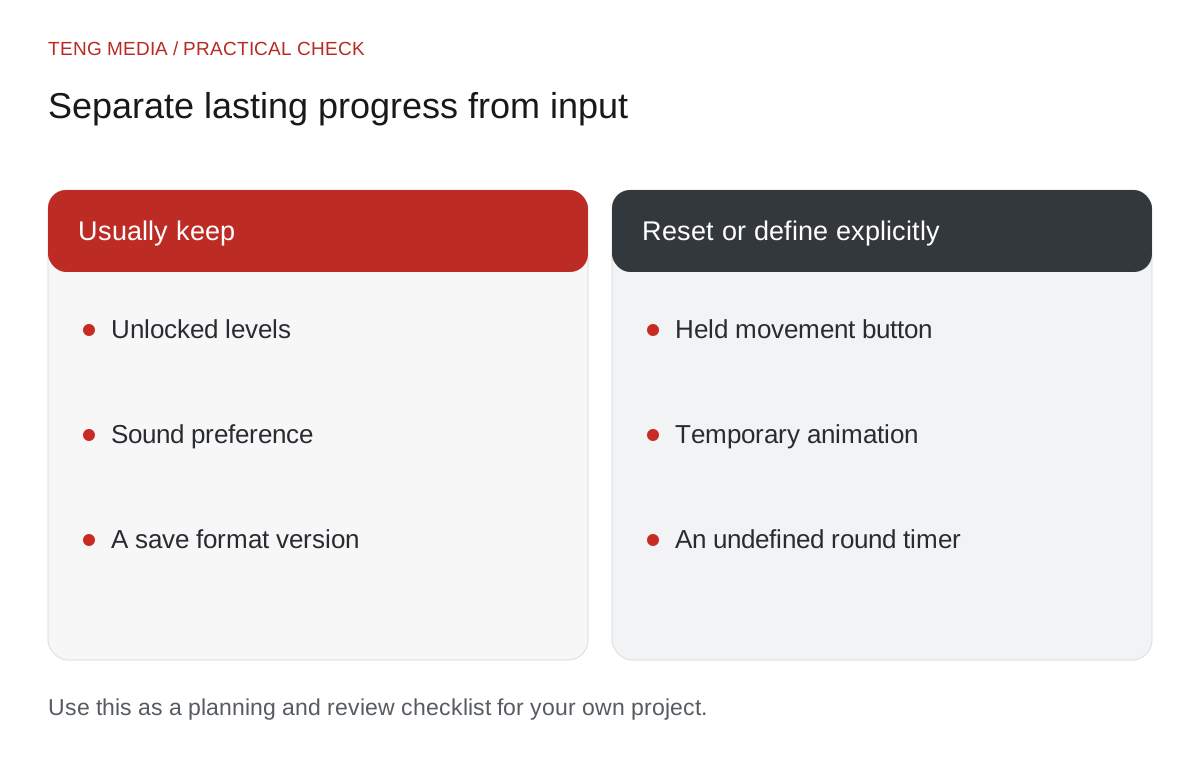
Separate a round from lasting progress
Some values belong to the current session. Others should remain after the player closes the game.
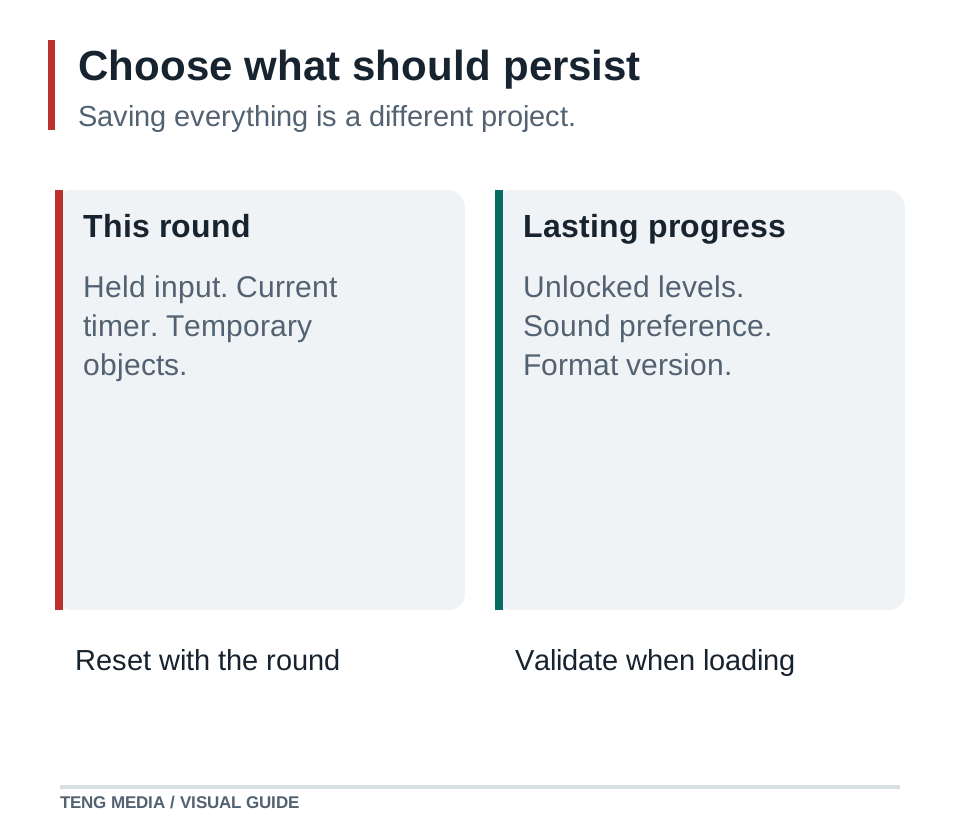
| Value | Keep after closing? | Reason |
|---|---|---|
| Highest unlocked level | Usually yes | Represents completed progress |
| Sound preference | Usually yes | Respects the player's setting |
| Current button press | No | Input should begin in a clean state |
| Active countdown | Only if resuming rounds is a deliberate feature | Needs a clear resume rule |
| Temporary animation | Usually no | Can be reconstructed from game state |
Write these decisions down before asking AI to implement storage. “Save everything” leaves difficult choices unresolved.
Define a small save contract
A contract describes the fields and what values are valid. For a short level-based game, an example could be:
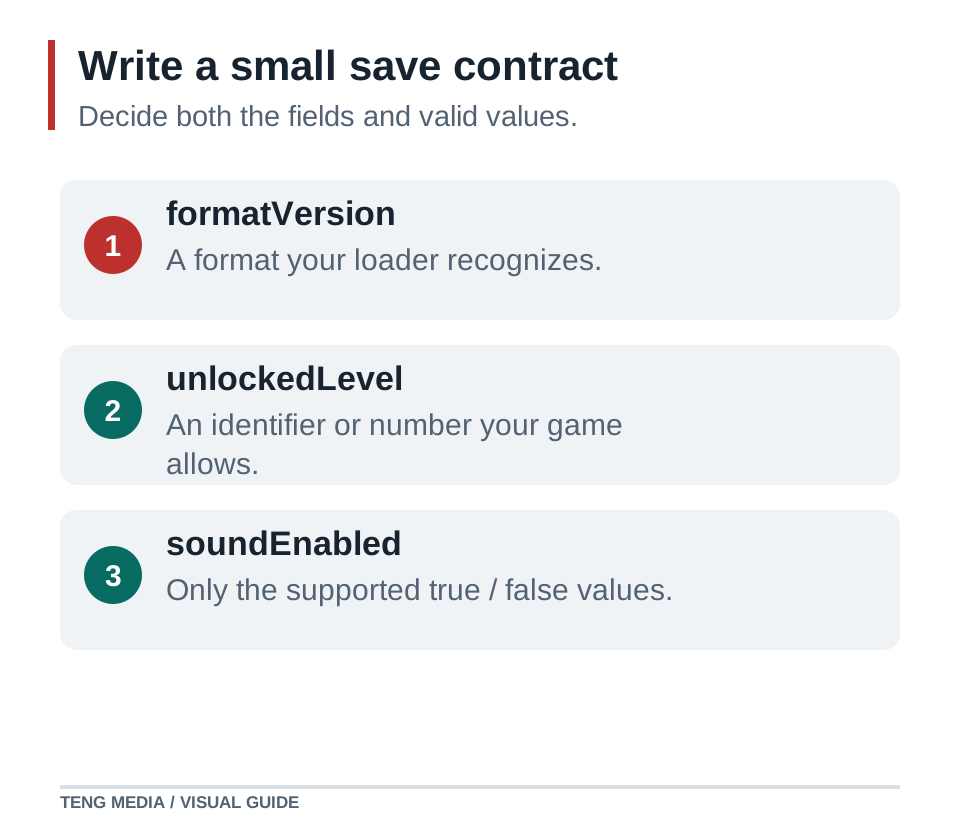
formatVersion: 1
highestUnlockedLevel: whole number within the game's available range
soundEnabled: true or false

Missing save: begin with the first level and default settings.
Invalid field: reject or recover according to a documented rule.
Unreadable save: explain the problem; preserve recoverable data.
Reset progress: requires a deliberate player choice.
A format version helps future code recognize how to interpret older data. It does not automatically migrate that data; you still need to define what an update does when fields change.
Godot's save documentation starts by identifying persistent objects and serializing the values needed to restore them. Use the storage methods appropriate to your actual engine rather than copying a web example into an unrelated environment. Godot saving games.
Understand where the data lives
For some small browser games, local storage can hold simple preferences or progress. It is tied to the site's origin, stores strings and normally persists across sessions. Browser settings can prevent it from working, and private-browsing data is temporary. It is not cloud synchronization. MDN localStorage.
A save on one device does not automatically appear on another. Clearing site data may remove it. A different hostname or embedding arrangement may also change which storage is available. Test the actual deployment environment.
Keep passwords, payment information and other secrets out of a game save. Local player-controlled data also should not be trusted as authoritative for prizes, purchases or competitive rankings.
Ask for failure handling explicitly
Inspect the project and add saving for only [listed fields].
Engine/version: [version]. Runtime and deployment: [environment].
Use the save contract below and validate data before applying it.
Handle missing data, invalid values and unavailable storage.
Preserve recoverable existing data when loading fails.
Do not silently reset progress or claim a save succeeded after an error.
Explain how older versions will be handled.
Report executed checks separately from checks I still need to perform.
Keep a backup or checkpoint of your project before adding the feature. Use disposable test saves when exploring recovery behavior so you do not erase progress you want to keep.
Test more than one happy path
Start fresh, make progress, close the game and reopen it. Check that the intended values return and temporary input does not. Then test no save, an invalid field, an unknown format version and storage failure in a controlled test environment.
Try the game after an update. If you change from three levels to five, what happens to an old save? If you rename an identifier, does the old value still map to the intended level?
When a check fails, capture the save shape, expected behavior and reproduction steps without exposing private data. The AI game code repair guide can help organize that report.
A trustworthy save system has a clear promise and an honest response when that promise cannot be kept. Build the smallest version of that promise first.
For school materials, weekly group coaching calls and game-publishing access as you develop your project, explore TENG AI SCHOOL membership.
Common questions
Does a local browser save follow the player to another device?
Local browser storage is not cloud synchronization. Cross-device progress requires a separate design, and browser storage can be unavailable or cleared.
What should happen when a game save is missing or damaged?
Use a documented fallback instead of crashing or silently pretending a load succeeded. Validate the fields and version before applying them. Distinguish a new player from unreadable data, and avoid overwriting a recoverable save without a deliberate policy.
Which progress belongs in the first save system?
Start with only what the next session needs, such as unlocked levels, a best score and settings. Temporary animation state and objects from an unfinished round may not need saving. Smaller contracts are easier to validate and migrate when the game changes.
Sources & further reading
References checked on October 3, 2026. Use documentation that matches your installed engine version.
- Godot saving games ↗Technical reference for the workflow described in this guide.
- MDN localStorage ↗Technical reference for the workflow described in this guide.


