

THE SHORT ANSWER
Here’s where to start.
Use AI to help organize a level around a player action, then test the layout by playing it. Begin with a safe introduction, a simple challenge and a clear finish. A convincing map description cannot tell you whether the actual movement, camera and collision make that route enjoyable.
Before you start
For this exercise, imagine a small top-down game in which the player collects a battery and carries it to a beacon. The example is a planning exercise you can build and revise in your chosen engine.
Start with what the player must learn
Choose one action: move, jump, collect, push or activate. Describe what the player should understand by the end of the level. For the battery example, the lesson is: “Touch the battery, then bring it to the beacon.”
Keep the first environment simple enough that the relationship is visible. If the player must also learn combat, inventory and dialogue, it becomes harder to tell which part confused them.
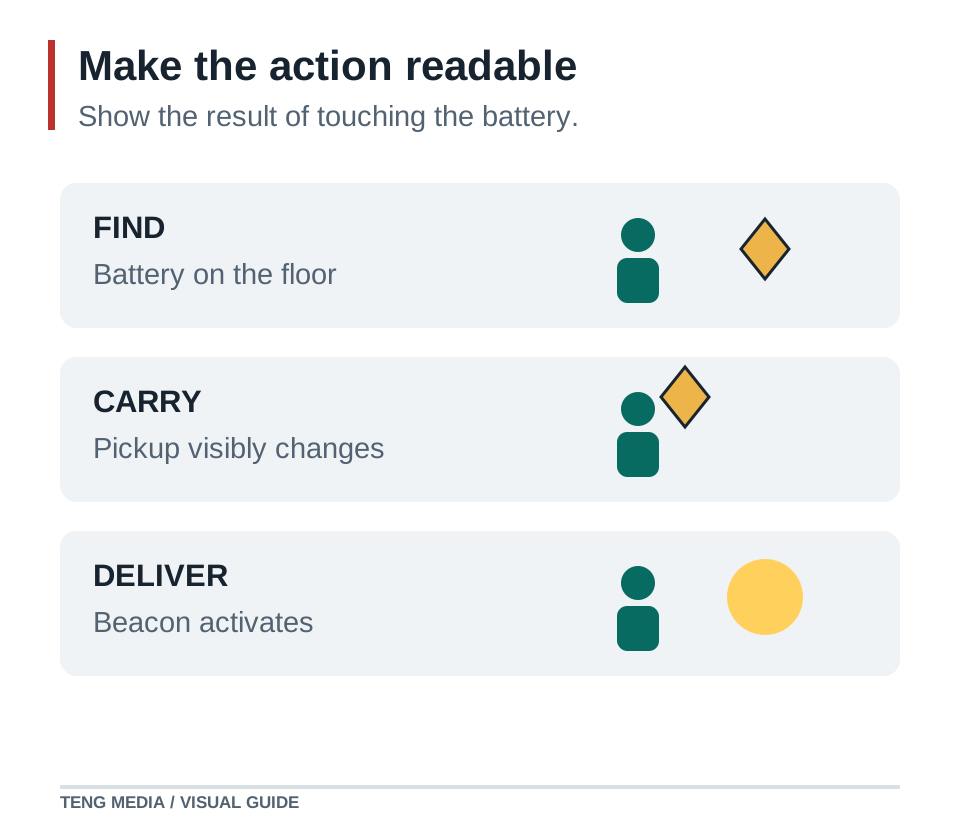
List the feedback the action needs. The battery disappears when collected, a carried-battery indicator appears, and the beacon changes when activated. Each response connects an action to a result.
Sketch three spaces
| Space | Purpose | Layout decision | What to watch during a test |
|---|---|---|---|
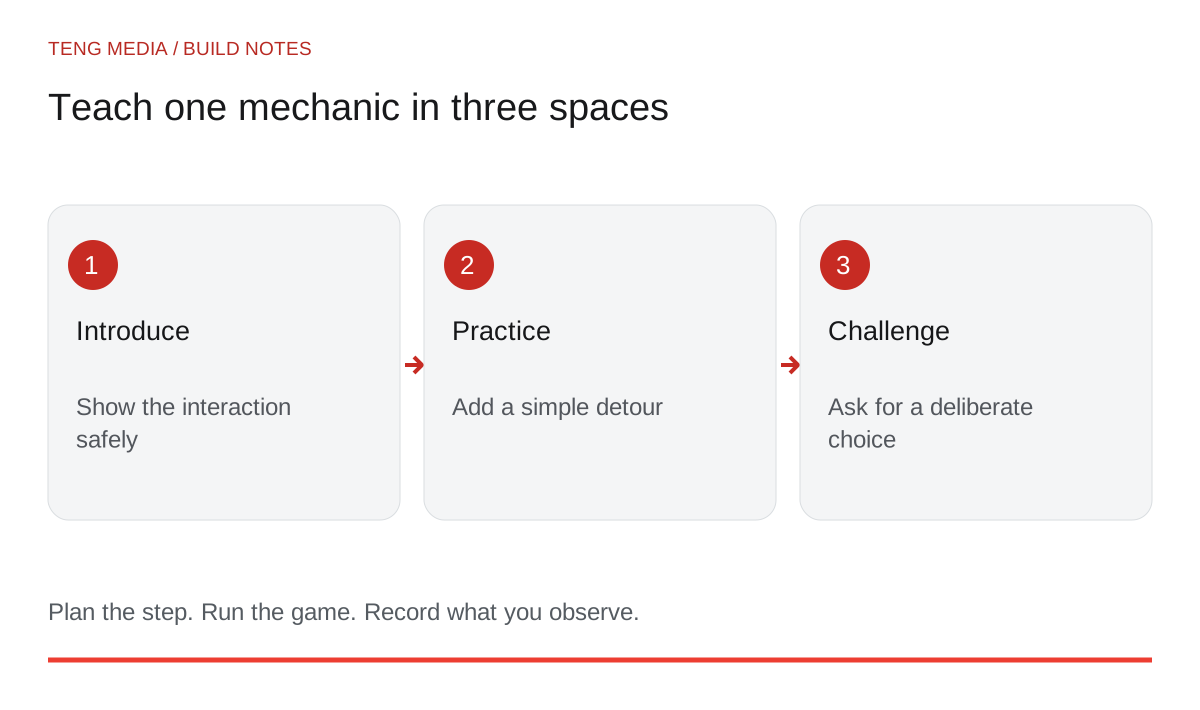
| Introduction | Discover the interaction safely | Battery and beacon are close, with no hazard | Does the player connect pickup with activation? |
| Practice | Repeat with one obstacle | A wall creates a short visible detour | Can the player find the route without coaching? |
| Challenge | Use the action under pressure | One moving hazard crosses part of the route | Can the player observe and choose when to move? |
These spaces can fit inside one small level. Their purpose matters more than their size. Do not make the player walk through a large empty area simply to make the game feel bigger.
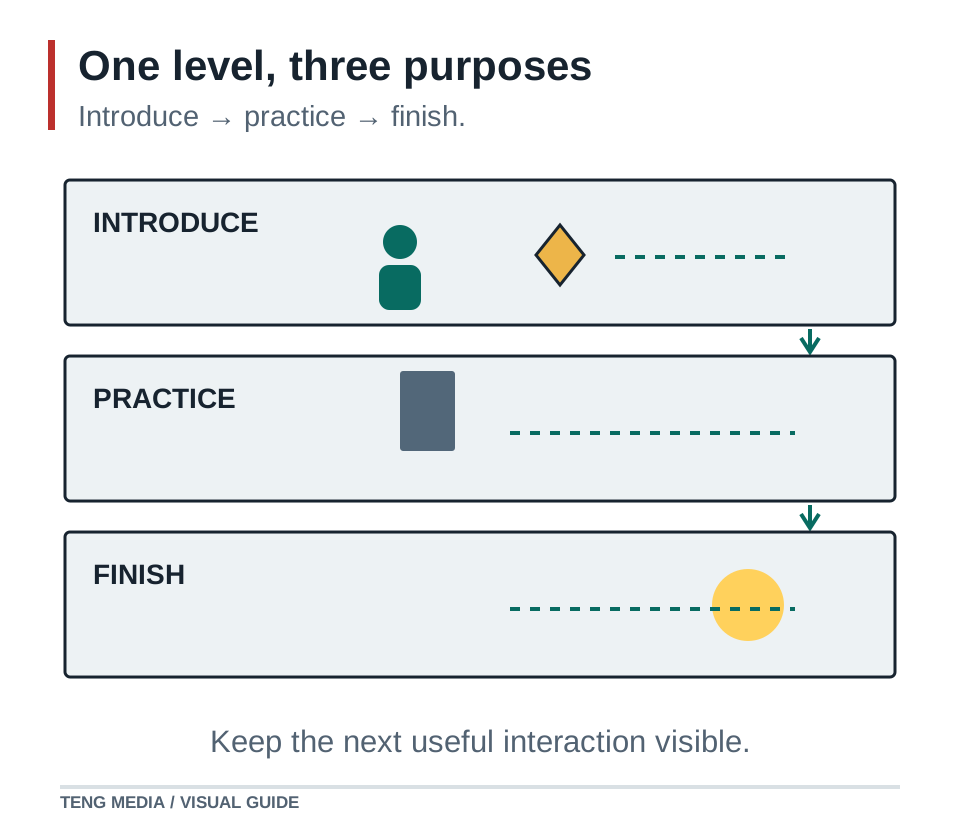
Mark the entrance, battery, beacon and obstacle on paper or a simple diagram. Keep an unobstructed route through the introduction. Leave decoration until you know where the player needs to look.
Ask AI for alternatives with reasons
Help me plan one small top-down level for [engine and version].
The player learns to collect a battery and activate a beacon.
Use an introduction, a practice space and one final challenge.
Available mechanics: movement, pickup, activation and one moving hazard.
Do not add combat, inventory menus or new mechanics.

Describe two compact layouts. For each, explain what the player sees first,
what they learn, how they can recover from a mistake and what I should test.
Flag assumptions about player speed, camera size and collision clearance.
Choose between the alternatives using your existing controls. A narrow route may look readable on a diagram and still feel awkward with your character's actual movement.
Build a blockout and walk the route
Use plain shapes for the floor, walls and objects. Test the level with the real camera and player size. Check corners, doorways and the route back from a mistake.
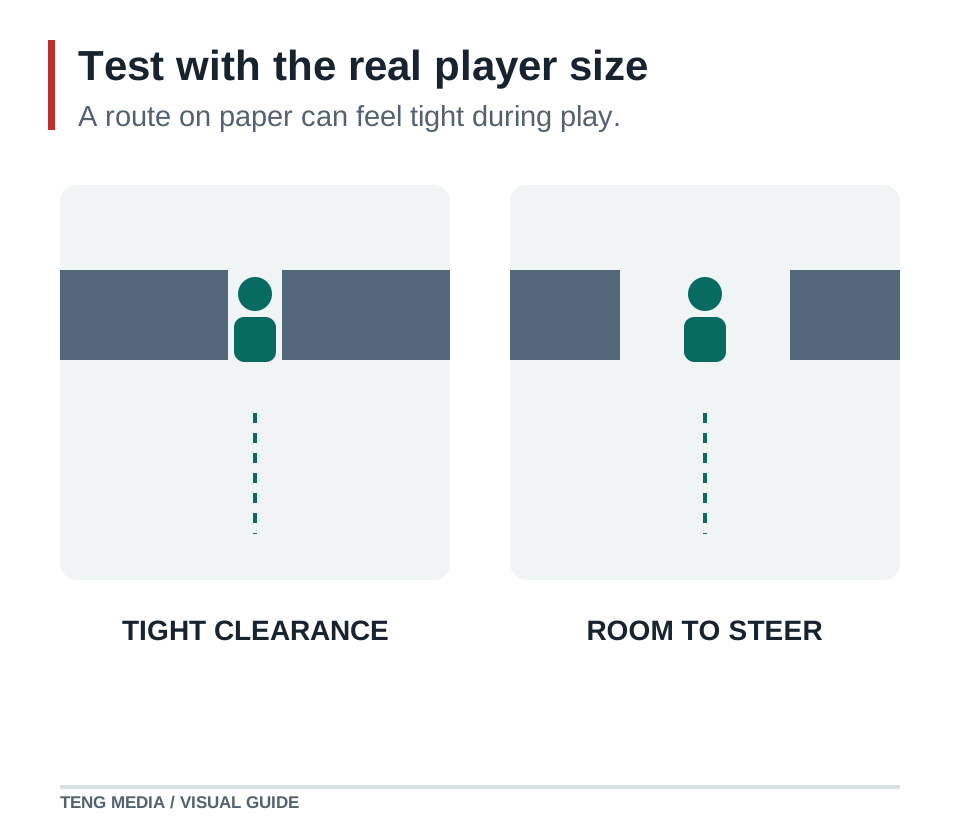
Stand at the entrance and ask what is visible. If the goal sits outside the camera, give the player a deliberate visual cue or reveal it earlier. If every object has the same emphasis, the important interaction may disappear in the scene.
Change one variable at a time. Move the hazard before changing its speed, route and appearance together. Small revisions make it easier to connect player behavior with a design choice.
Watch a player before explaining
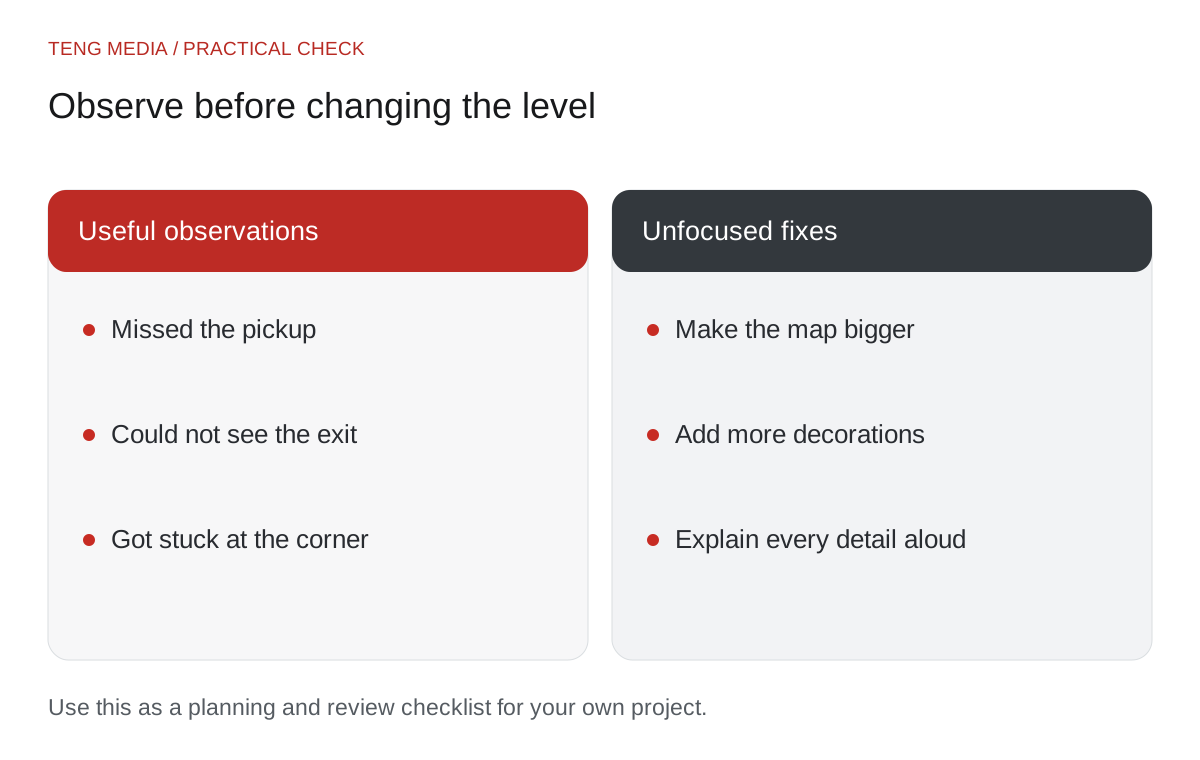
Give a new player the same instructions the game will provide. Record where they stop, where they look and which object they try first. Ask what they thought would happen when they touched the battery.
If the player misses the interaction, try clearer feedback or placement before adding a long tutorial paragraph. If the challenge is unfair, check what information the player receives before the danger reaches them.
Keep a short log: observation, proposed change and result on the next test. “Player walked past the battery three times” is a stronger design clue than “make the room more exciting.”
Once the route teaches the action clearly, add art while preserving that readability. The first playable prototype guide provides a broader workflow for moving from a small brief to a complete round.
TENG AI SCHOOL membership offers school materials, weekly group coaching calls and access to submit completed games for review. Explore monthly and yearly access if you want to keep building within that learning community.
Common questions
Should I add final artwork before testing the level?
Begin with a simple blockout and the real controls and camera. Add artwork once the route teaches the action clearly, then check readability again.
How can I tell whether a first level is too difficult?
Watch a player who has not been coached through it. Note where they stop, miss the goal or repeat an unintended mistake. Change one cause at a time, such as an unclear landmark or insufficient space, then watch another attempt.
What should I ask AI when planning a level?
Provide the real movement abilities, camera, collision rules and the action you want to teach. Ask for two small layouts with reasons and potential failure points. Choose a layout you can block out and test; a written map is still a proposal.


