

THE SHORT ANSWER
Here’s where to start.
A useful game design document tells your AI assistant what the player does, what counts as success, and what this version excludes. For a first project, a page of concrete rules is more useful than a large collection of story ideas that leaves the gameplay undefined.
Before you start
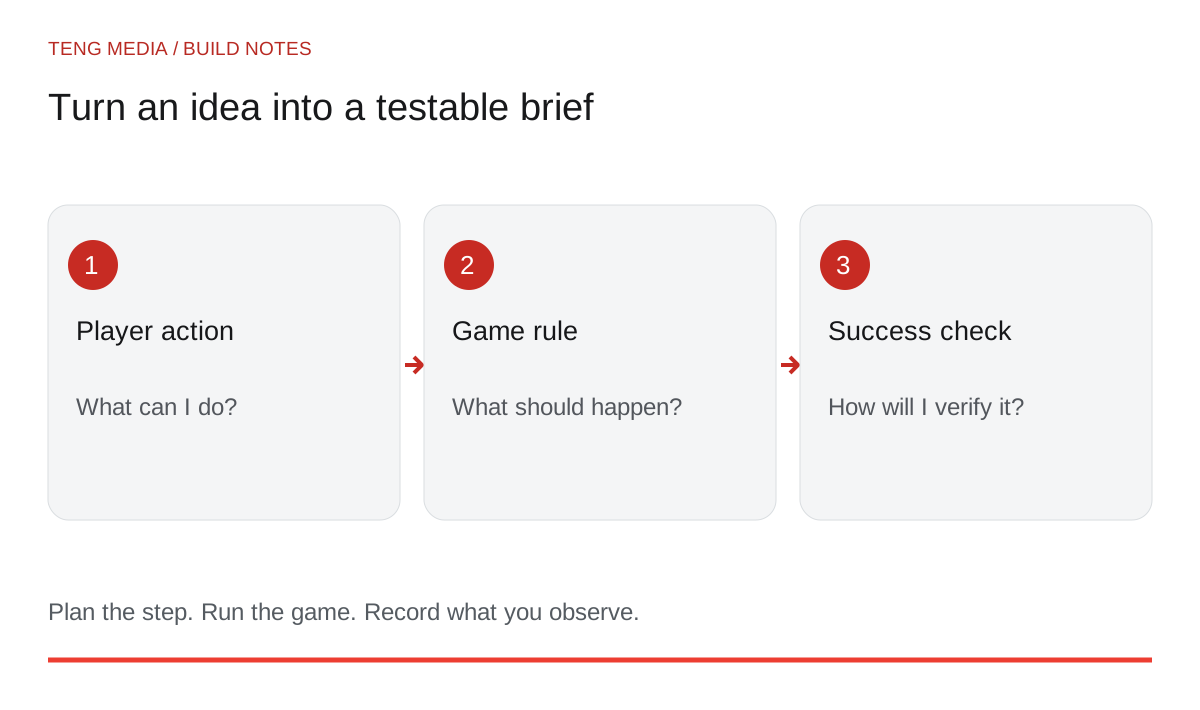
Keep the brief beside your project. Read it when a new suggestion would change the rules, and update it when you intentionally make a design decision.
Describe the action before the world
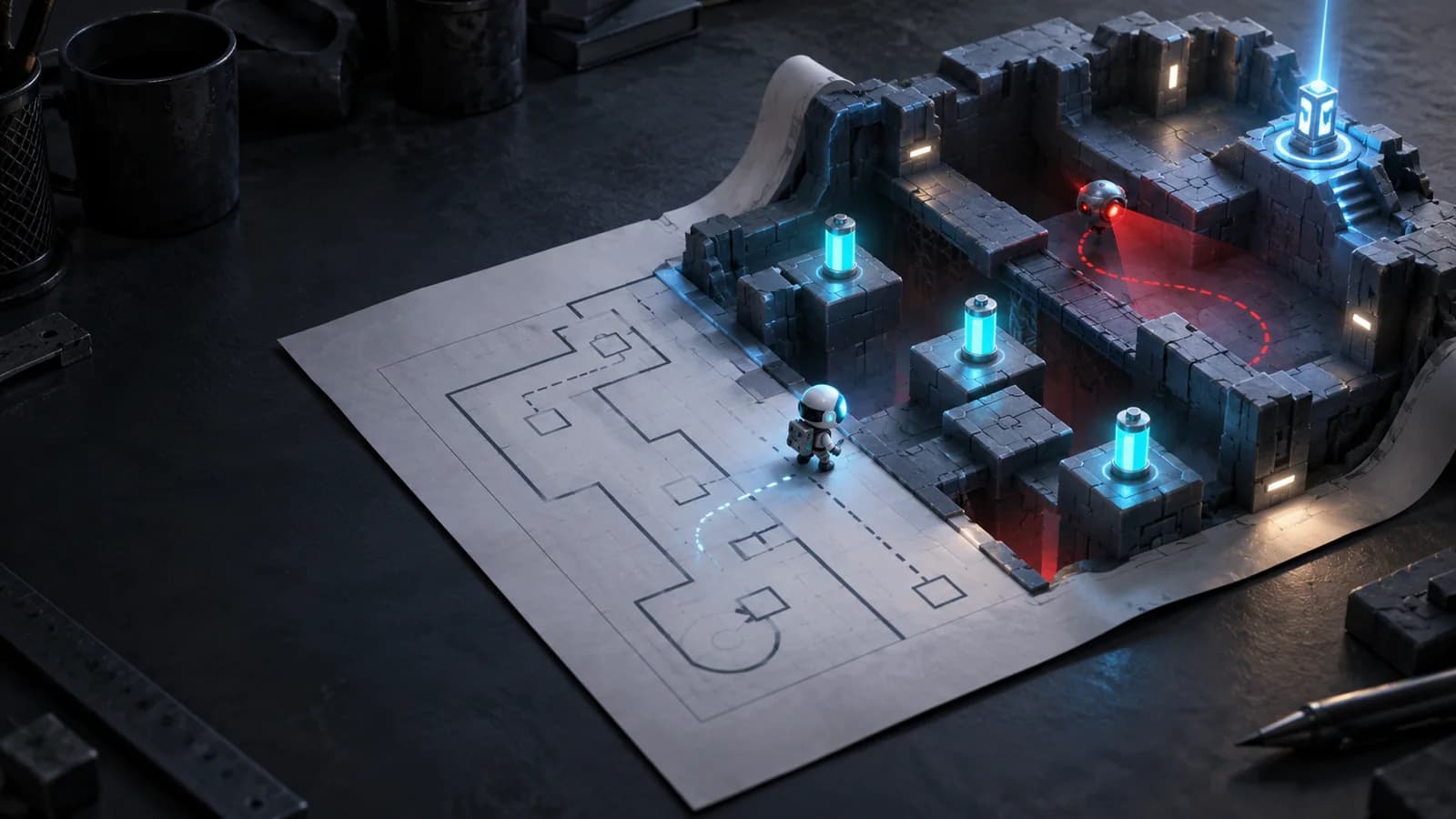
“A mysterious floating island” describes a setting. “Collect three batteries and reach the lift before your energy runs out” describes a game loop. You can build the second statement with plain shapes before you decide how the island looks.
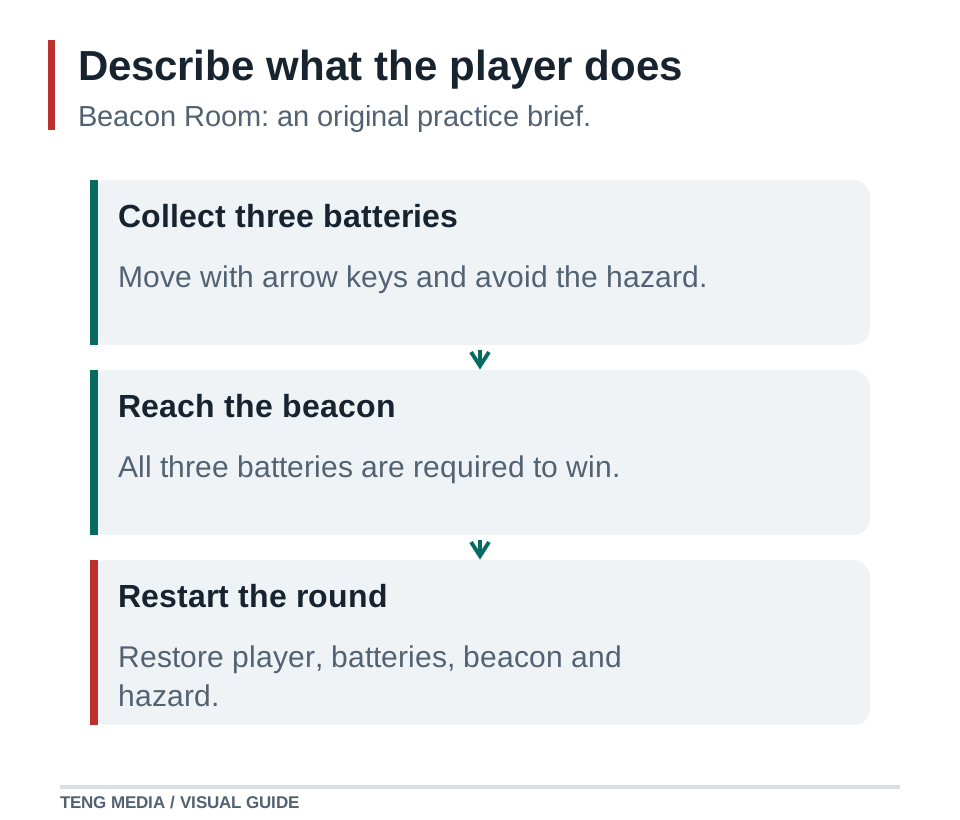
Use this sentence:
For a practice project called Beacon Room: the player uses arrow keys to collect three batteries, trying to power a beacon while avoiding one moving hazard. This is a design example you can adapt, not a report of an existing release.
Copy the planning template
PROJECT
Working title:
Engine and exact version:
Target platform:

PLAYER EXPERIENCE
One-sentence game loop:
Controls:
What the player sees before starting:

RULES
Starting state:
Goal:
Lose condition:
What stops when the round ends:
What Restart resets:
What happens if win and loss conditions coincide:

FIRST VERSION
One playable space:
Required objects:
Required feedback:
Features excluded for now:

FIRST CHECKPOINT
One change to implement:
Visible success check:
Working version to preserve:

OPEN QUESTIONS
Decisions still needed:
Ideas parked for later:
“Exact version” matters because a helpful-looking instruction may target a different engine API. The open-questions section matters because an assistant otherwise has room to invent missing rules.
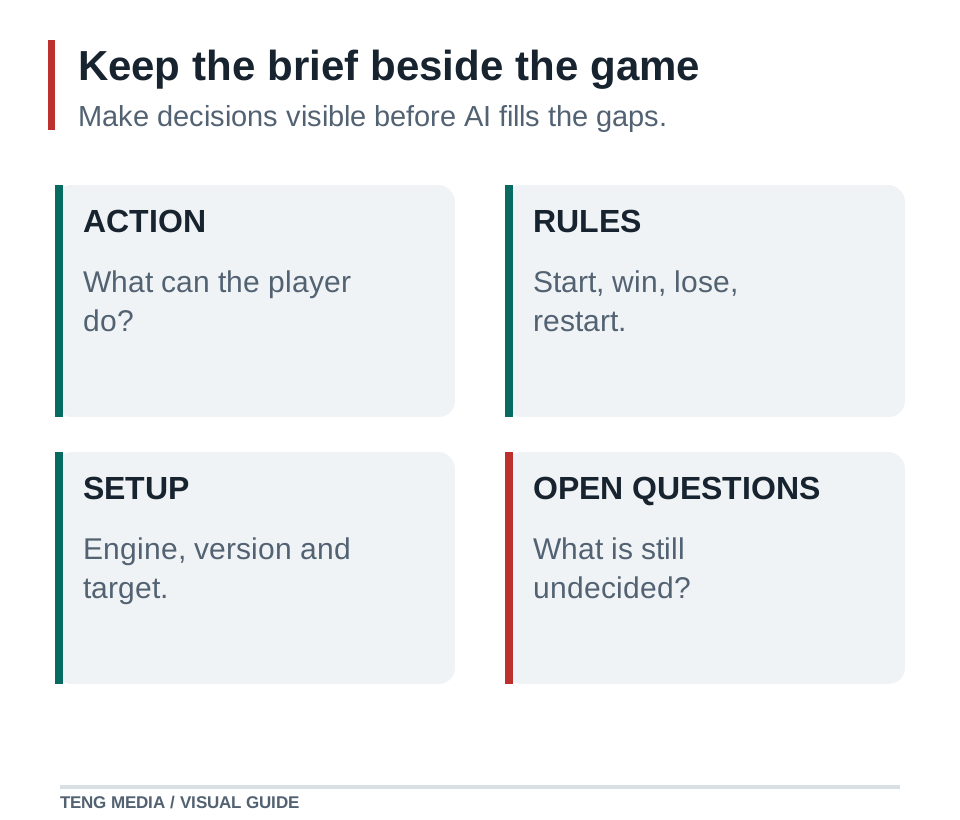
Fill in the parts that cause disagreements
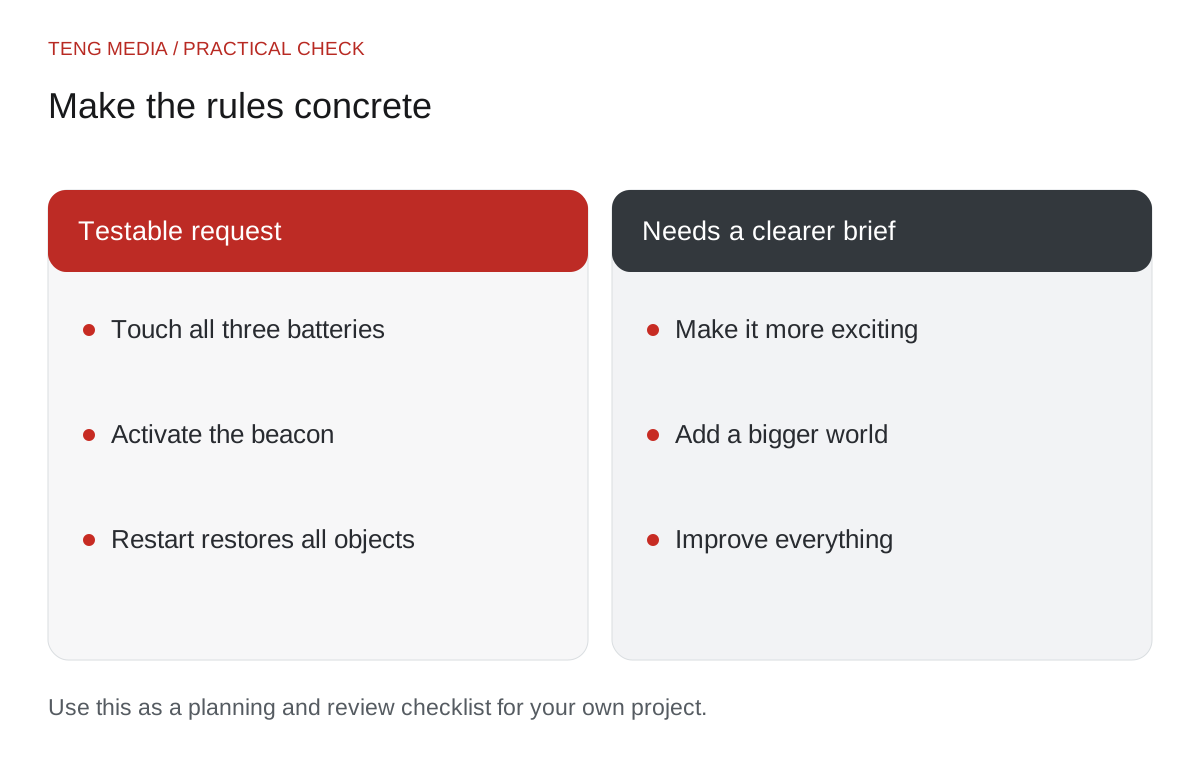
For Beacon Room, define the starting state as three uncollected batteries, an inactive beacon, the player at the entrance and a hazard at its initial position. Winning requires collecting all three batteries and touching the beacon. Contact with the hazard loses the round.
Now decide what happens after a result. Movement and pickups should stop. Restart should restore the objects and positions, clear the result and begin one new round. Without those details, a restart button could look correct while preserving the old score or creating a second hazard.
For simultaneous events, choose a deliberate rule suitable for your game and document it. For example, a hazard collision can take priority over beacon contact within the same update. The important part is that the result follows a stated rule you can test.
Turn the brief into a sequence
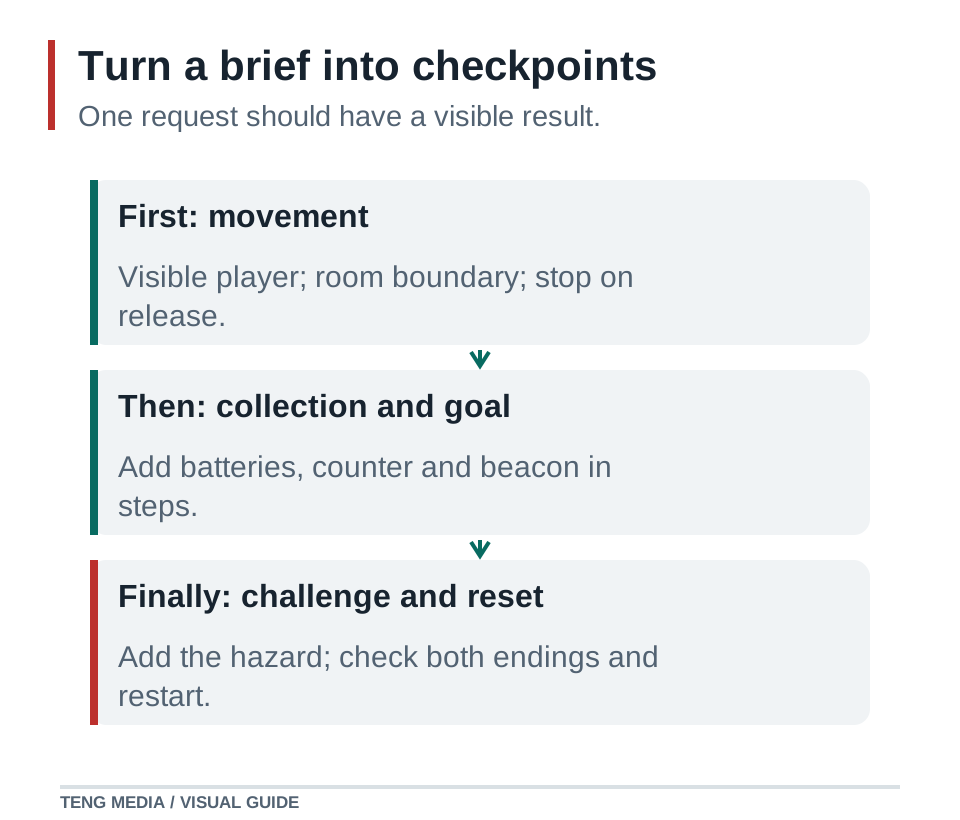
Do not paste the document and immediately ask for the complete game. Start with the first checkpoint:
Read this brief and identify any rule that is still ambiguous.
Inspect the current project and preserve its existing conventions.
For this step, implement only player movement in the room.
Do not add the hazard, batteries or final artwork yet.
State the changed files, how to run the game and the checks I should perform.
Once movement works, save a checkpoint and add one system. Our prompt workshop provides templates for that next feature request.
Handle changes without expanding everything
Suppose you discover that the hazard makes the entrance unfair. You can change its starting position without adding a difficulty system. Write down the reason: “A new player should have room to understand movement before the first encounter.”
Keep a small decision log with three columns: change, reason and checks to repeat. If you add a new rule, decide whether another feature can wait. This keeps the brief aligned with the actual project.
Before each larger session, compare the brief with the running game. Remove stale instructions so the assistant does not rebuild a feature you intentionally changed.
The document is ready when another person can describe a round and tell whether it behaves correctly. Then it has done its job: turning an idea into a shared, testable plan.
Want to build a learning routine around that plan? TENG AI SCHOOL membership includes school materials, weekly group coaching calls and access to submit games for publication review. Compare monthly and yearly access.
Common questions
Does my first game need a long design document?
A concise document can be enough if it defines controls, rules, the smallest version and checks for success. Expand it when the project needs more detail.
What should I include in an AI game design prompt?
Include the player action, controls, win and loss conditions, restart behavior, target platform and what the current version excludes. Add a concrete check for each rule so an assistant can distinguish a working feature from a plausible description.
Should I ask AI to build the whole design document at once?
Use the full brief as context, but request one playable checkpoint at a time. For example, establish movement and boundaries before adding collectibles. Save the working version and update the brief when you deliberately change a rule.


