

THE SHORT ANSWER
Here’s where to start.
Choose your game tools around the game you want to finish. For a small 2D browser project, a web-focused framework such as Phaser is worth considering. If you want to arrange scenes and objects in a visual game editor, Godot offers a different workflow. Then choose an AI assistant that can work with your files and explain its changes.
Before you start
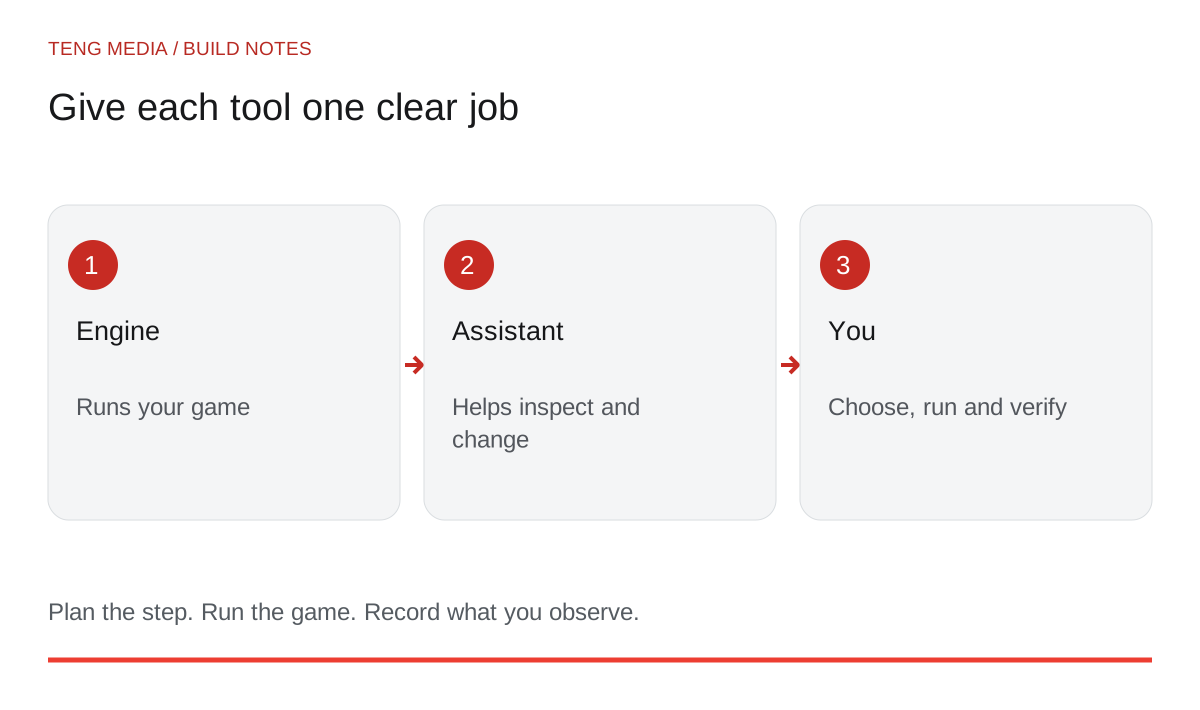
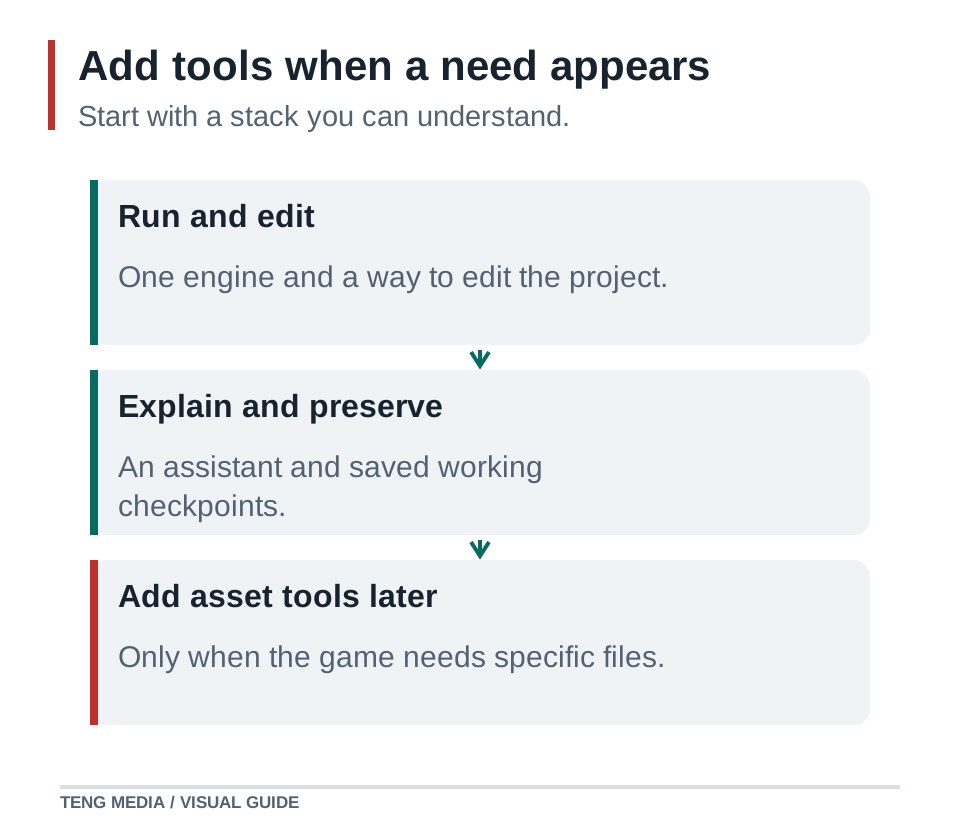
You do not need a collection of subscriptions before you can begin. You need an engine or framework, a way to edit and run the project, and a safe way to keep working versions.
Separate the jobs
An engine runs the game: drawing, input, game objects and the systems you build on top. An AI assistant helps plan, explain or edit those systems. An image tool produces visual material that may need preparation before it works as an asset.
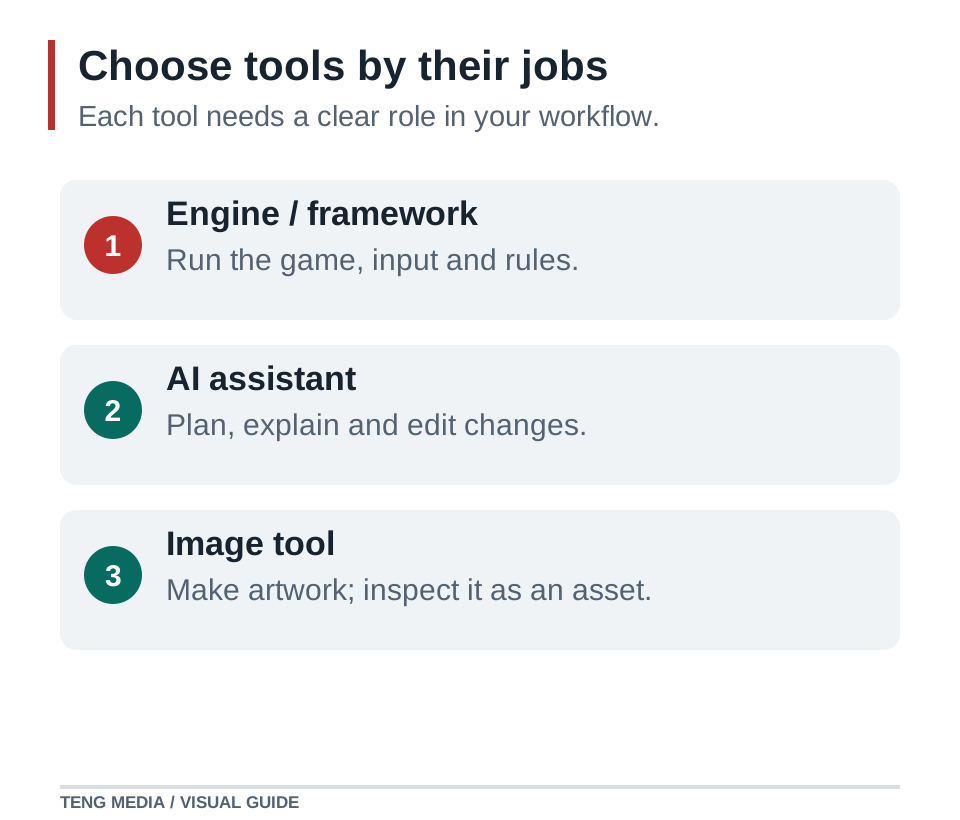
The quality of an assistant's explanation does not prove that the game runs. The quality of a concept image does not prove that it is a usable sprite. Choose tools by the tasks they let you complete and verify.
| Your immediate goal | Route to investigate | What you need to be comfortable doing |
|---|---|---|
| A small 2D game played in a browser | Phaser | Editing JavaScript or TypeScript and running a web project |
| A 2D game assembled with scenes in an editor | Godot | Learning nodes, scenes, scripting and export settings |
| A game in an engine you already know | Your existing engine | Checking that your assistant uses its actual version |
| A first project with almost no technical experience | One guided beginner route | Learning to open files, run the game and describe errors |
Phaser's documentation describes a 2D, browser-focused JavaScript framework. It does not provide built-in 3D rendering or physics. Godot's official first 2D tutorial teaches project structure and a complete small game, but assumes some programming experience. Neither fact is a reason to abandon the tool; it tells you what learning to budget for. Phaser overview, Godot first 2D game.
Test the workflow before committing to a large project
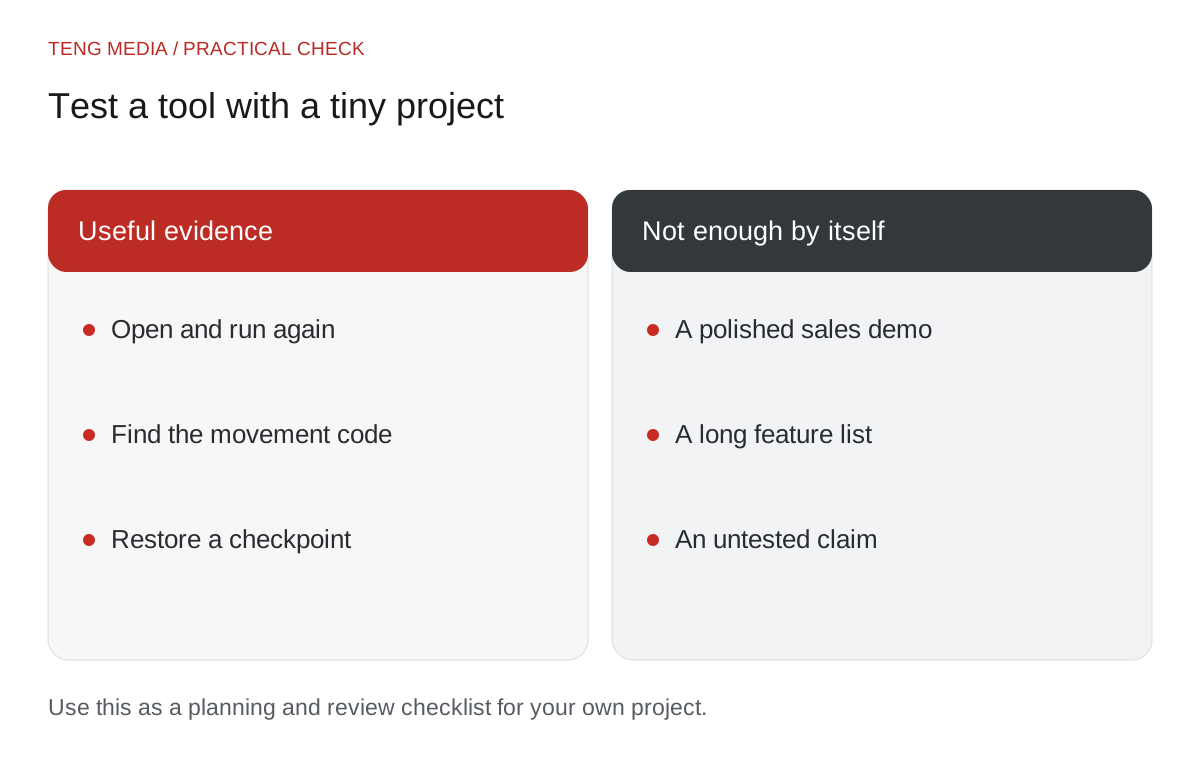
Give each candidate the same tiny task: show a player, move it around one room and prevent it from leaving the boundary. This is an audition you can run, not a benchmark result we are claiming for either tool.
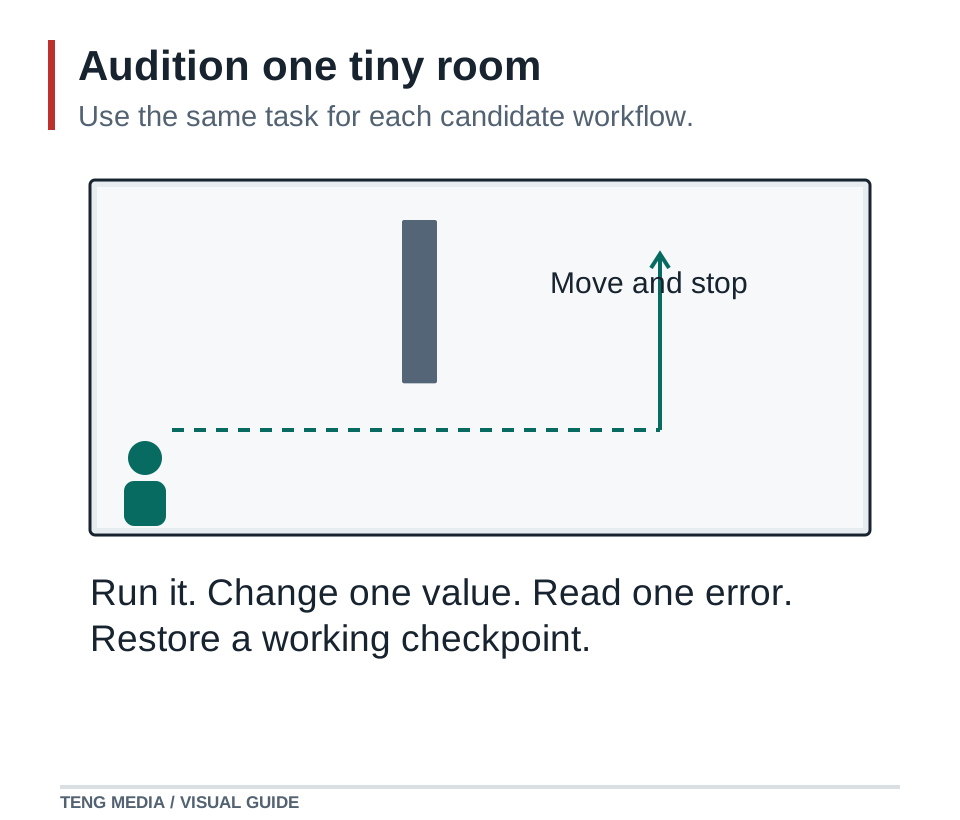
Record whether you can:
- Open the project again after closing it.
- Find the file or scene responsible for movement.
- Run a changed version and recognize the result.
- Copy an error message when something fails.
- Restore a working checkpoint.
- Produce a small build for your intended platform.
A route that makes these tasks understandable is useful even if another tool advertises more features. The right choice should make your next small change easier to reason about.
Evaluate an AI assistant by access and evidence
Before giving it a project, check what the assistant can actually do in your setup. Can it inspect files? Can it edit them? Can it run commands? Can it see the game? What requires you to perform an action yourself?
Use a prompt such as:
Engine and exact version: [version]. Target: [platform].
Inspect the project before proposing changes.
Explain which files or editor actions you can access and which I must handle.
Add only [one small feature], preserving existing controls.
Tell me how to run it, what result to expect and what you actually verified.
If the assistant cannot inspect the project, supply a focused excerpt and the relevant file names. Keep an error report precise. Repeatedly changing tools rarely solves a vague request.
Keep the first tool stack short
Begin with your chosen engine, editor, assistant and checkpoints. Use simple shapes until movement and the goal work. Add an art or audio tool when you know the file formats, dimensions and behavior your game needs.
Check current vendor pricing, usage limits and export requirements before buying. Paid tools may be separate from a course or membership. Do not assume that joining a school includes every external service used in a lesson.
After choosing your route, follow the first playable prototype workflow. Stay with that route long enough to finish a small round and identify a concrete limitation before switching.
If the missing piece is a learning structure, TENG AI SCHOOL combines school materials, weekly group coaching calls and game-publishing access. See the current membership options and choose tools separately according to your project.
Common questions
Do I need several paid AI tools to begin?
Start with one engine, an editor, an assistant and a way to preserve working versions. Add tools only when a concrete project need appears.
Should I choose a game engine or an AI assistant first?
Choose the game type and target platform first, then a compatible engine or framework. Evaluate an assistant on a small task in that project: it should explain the relevant files, make a focused change and help you verify the result.
Can I change game engines after the prototype?
You can, but budget for rebuilding engine-specific scenes, input, physics and export setup. Test your likely publishing route with a tiny project early so you can discover a poor fit before the project grows.
Sources & further reading
References checked on October 3, 2026. Use documentation that matches your installed engine version.
- Phaser overview ↗Technical reference for the workflow described in this guide.
- Godot first 2D game ↗Technical reference for the workflow described in this guide.

